Page 3-1 F100-14-001.2
ASL 2005
3. About the F100
This section will introduce you to the f eatures and functions of the F100 Precision Thermometer. Each of the
features is explained in turn. Once the F100 has been set-up to your particular requirements, all the comm only
used functions are available using single key-strokes.
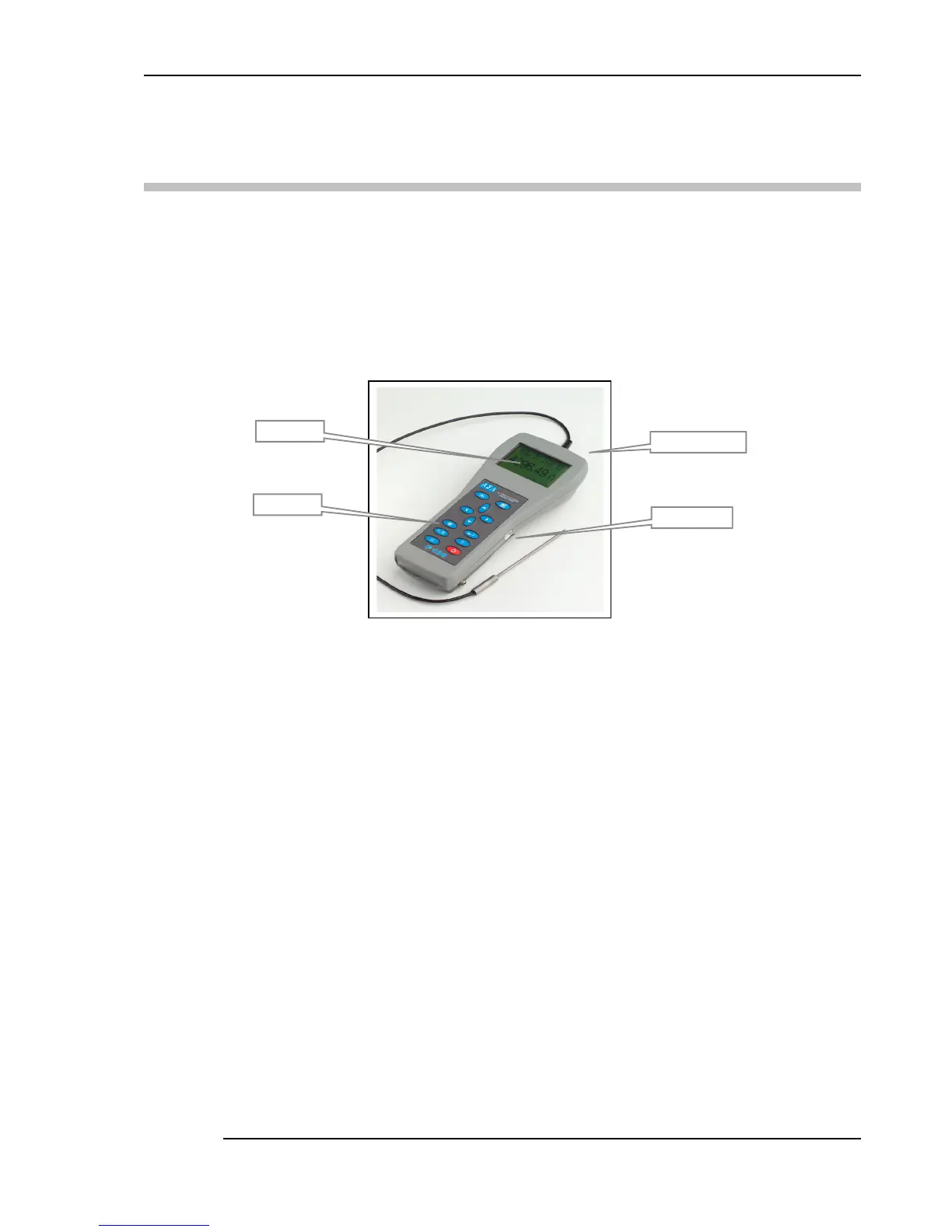
3.1 The Front Panel
Figure 3.1- Front panel
3.2 About the display screen
The large graphic LCD screen is your direct link to the instrument, presenting you with the
measurement results and information or menus to set and control the instrument.
The LCD screen is designed for reflective-viewing under normal ambient lighting; a backlight is
provided for use when ambient conditions are darker.
3.3 The Keypad
The F100 keypad is shown below. The keys are used to select the various menu options. Generally,
no more than two menu levels are used. A few (infrequently used options) require three menu levels.
Operation is simple once you are familiar with instrument.
It may help to have the instrument to hand when reading through these sections.
Refer to section 4 for a detailed description of how to use the keys to operate the instrument
Keypad
LCD display
Inputs at rear


 To Next Page