Setting up the F100
Page 3-2 F100-14-001.2
ASL 2005
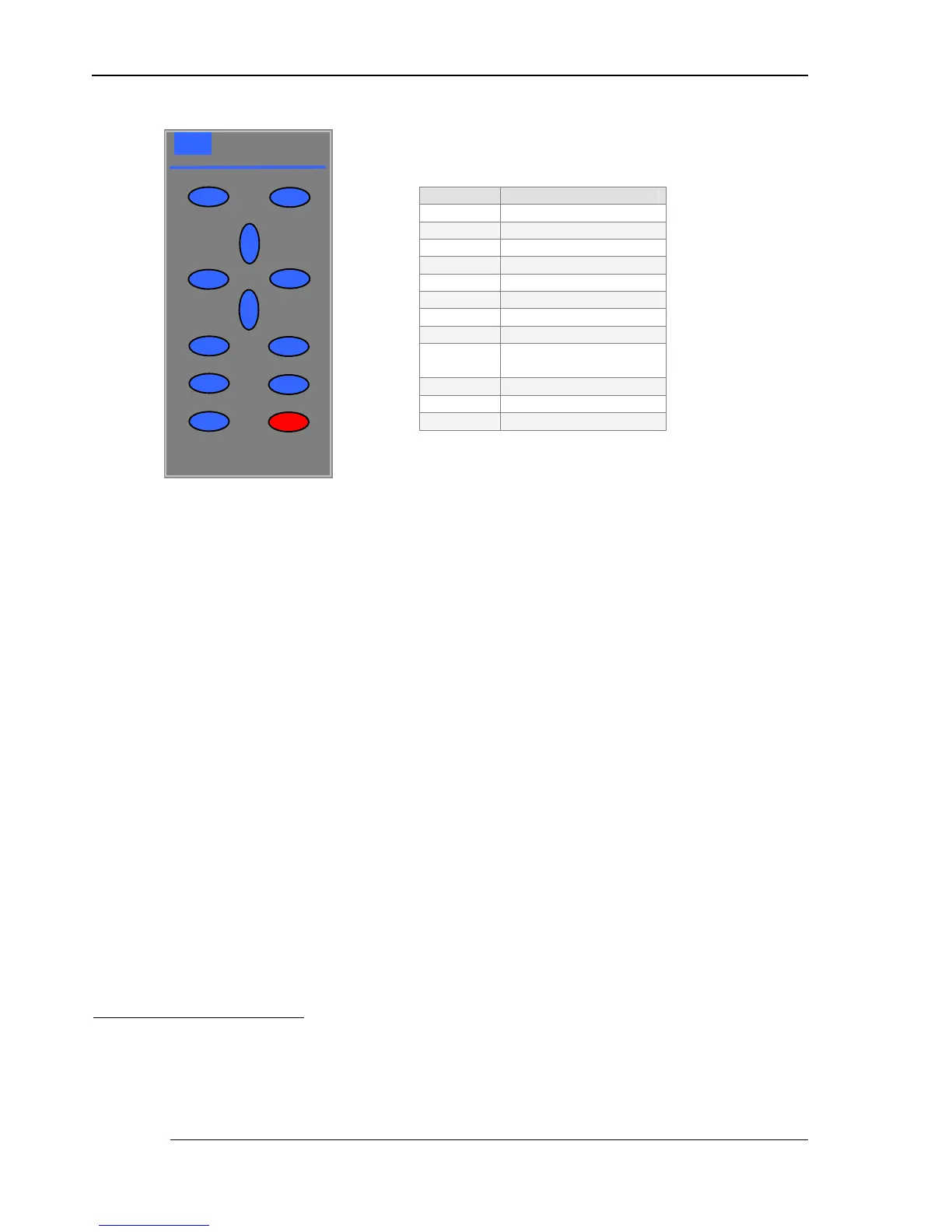
Figure 3.3 – F100 Keypad
3.3.1 Keypad overview
The red Power (5
55
5 ) key tur ns power on and off
2
to the F100.
The F100 uses a menu system. The Menu (
) key is located at the top right of keypad. Use the
Menu key to ac cess to the less frequently used F100 functions. The four Arrow ( S
SS
S T
TT
T W
WW
W X
XX
X ) keys
are used to navigate through the menus; the Enter (
) and Clear ( Æ
ÆÆ
Æ ) keys are used to act on the
menu selections
3
.
The Backlight (Ö
ÖÖ
Ö) key located at the top left of the keypad provides LCD illumination when the
ambient light-level is too low for normal viewing.
The A/B key is used to select one of the two channels (A or B) or the difference (A – B)
The Zero ( 0 ) key is used to provide relative (of fset) readings.
The Hold (
) key is used to freeze the current reading.
2
The F100 may also be set to power-off after a preset period.
3
The Clear ( Æ
ÆÆ
Æ ) key is also used to view F100 statistics; press once to select the st atistics page. Press any key to
return.
Α
ΑΑ
ΑΣ
ΣΣ
ΣΛ
ΛΛ
Λ
AUTOMATIC SYSTEMS
LABORATORIES
S
T
X
XX
X
W
WW
W
Ö
ÖÖ
Ö
A/B
Key Function
Menu display
Ö
ÖÖ
Ö
Backlight
S
SS
S Up ar row
T
TT
T Down arrow
W
WW
W Left arrow
X
XX
X Right arrow
Æ
ÆÆ
Æ
Clear (view statistics)
Enter
A/B
Channel and
differential select
0
Zero (offset) reading
Hold reading
5
55
5 Power on/off



 To Next Page