Operating the F100
F100-14-001.2 Page 4-5
ASL 2005
Note
Using the backlight will dramatically reduce battery life (by
about 30% if used continually at full-brightness).
The brightness level can be set on the Settings menu (see later section). Reducing the brightness
value will incr ease battery life when the backlight is used.
4.1.3 Other menu options
This section describes the other options available through menu s election. Generally, these options
are set once and altered rarely. The set-up is stored in non-volatile memory and recalled when power
is reapplied.
In the following sections, the top level menu is shown, followed by the sub-menu(s) that it selects.
4.1.3.1 Selecting Units
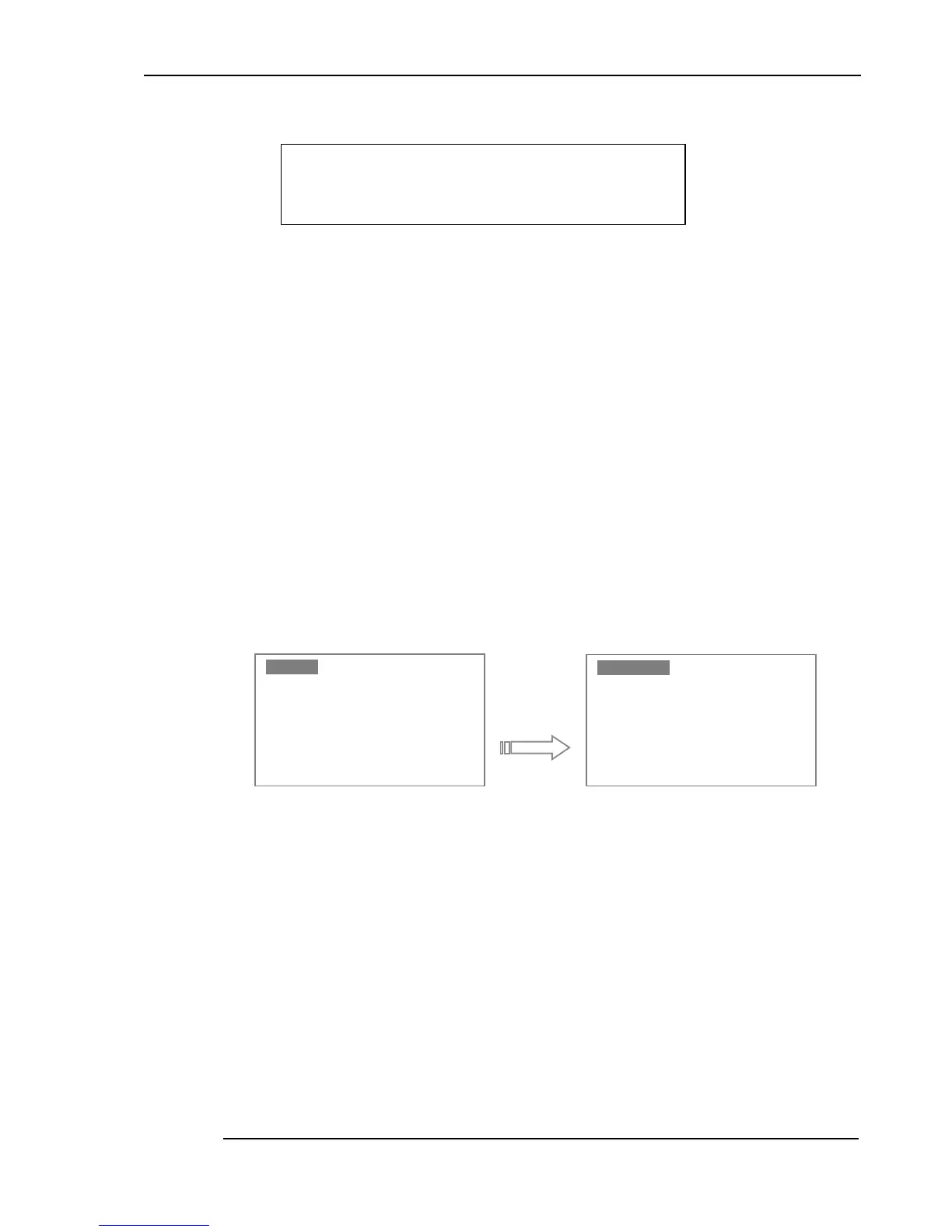
Press the Menu key (
) to change the measurement units. The Units menu will be highlighted.
Press the Enter key once to reach the Units selection menu.
Select the units required with the Up/Down keys and then press the Enter key. Units of Celsius (°C),
Fahrenheit (°F), Kelvin (K) or Resistance (Ω) can be selected; the current units are shown on the
Measurem ent Menu screen. Changing units will automatically clear any statistics. The cur rent
measurement units are retained when power is removed.
Having selected the new units, press the Menu key to return to Meas urement Mode.
4.1.3.2 Channel options menu (Channel A or Channel B) – Smart probes
When Smart probes ar e used, the calibration data is stored in the probe; the coefficients held in the
F100 are not required or used.
8Q LW V
8Q LW V8Q LW V
8Q LW V
&K DQ QHO$
&K DQ QHO$&K DQ QHO$
&K DQ QHO$
&K DQ QHO%
&K DQ QHO%&K DQ QHO%
&K DQ QHO%
/R JJ LQJ
/R JJ LQJ/R JJ LQJ
/R JJ LQJ
6W DW LVWLF V
6W DW LVWLF V6W DW LVWLF V
6W DW LVWLF V
6H WW LQJV
6H WW LQJV6H WW LQJV
6H WW LQJV
6\ VW HP
6\ VW HP6\ VW HP
6\ VW HP
&H OV LXV
&H OV LXV&H OV LXV
&H OV LXV
)D KU HQKHL W
)D KU HQKHL W)D KU HQKHL W
)D KU HQKHL W
.H OY LQ
.H OY LQ.H OY LQ
.H OY LQ
2K PV
2K PV2K PV
2K PV


 To Next Page