Operating the F100
Page 4-4 F100-14-001.2
ASL 2005
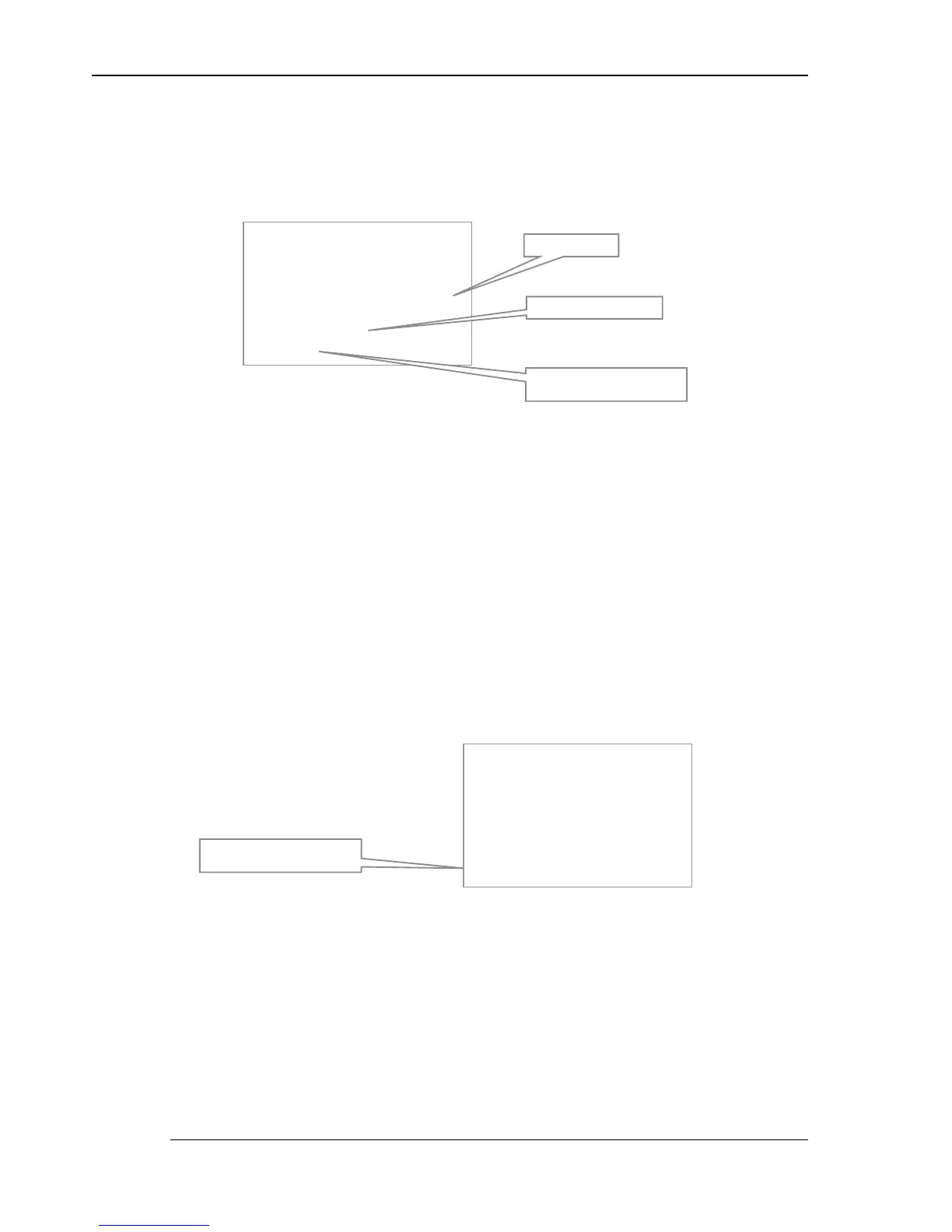
In Zero mode, the instrument stores the last reading (at the time of Zero key press) and subtr acts it
from all subsequent readings. It continues to do this until it is either cancelled (by press ing the Zero
key again) or until power is removed.
Zero mode also works on differential measurements (A – B). In this case, both channels values are
frozen at the time the key is pressed. The absolute value, in the example above, is replaced by the
relative difference value.
To cancel the relative measurement mode, press the Zero ( 0 ) key again. Z ero mode is cancelled
when power is turned off.
4.1.2.3 Selecting run/hold mode ()
Instrument m easurements stop completely when Hold mode is active. This is indicated on the bottom-
left of the display where Hold mode indication alternates with the current convers ion method,
providing a flashing indication. Hold m ode may be used when the F100 is in dif ferential mode.
Press the Hold (
) k ey to alternate between run and hold modes. Hold mode is cancelled when
power is turned off.
4.1.2.4 Backlight key (Ö
ÖÖ
Ö)
The backlight is designed to be used for viewing the display in low ambient light levels.
Press the Backlight key (Ö
ÖÖ
Ö) to illuminate the display. Once on, the backlight will automatically go off
after about 10 seconds (alternatively, press the Backlight key again to turn it off).
&K $
&K $&K $
&K $
V )
V ) V )
V )
35 7
35 735 7
35 7
R&
R&R&
R&
2IIVHW
2IIVHW2IIVHW
2IIVHW
Absolute value (flashing)
Zero mode indication
alternates with the conversion
Zero offset value
&K $
&K $&K $
&K $
V )
V ) V )
V )
35 7
35 735 7
35 7
R&
R&R&
R&
+ROG
+ROG+ROG
+ROG
Hold mode indication
alternates with the conversion


 To Next Page