Operating the F100
F100-14-001.2 Page 4-3
ASL 2005
In this example, pressing the Up or Down key will
display more of the Smart probes’ coefficients.
Press the Clear key ( Æ
ÆÆ
Æ ) to return the display to the
previous menu. Press the Clear key ( Æ
ÆÆ
Æ ) once more to
return to Measurement Mode. Alternatively, press the
Enter key (
) to return the F100 immediately to
Measurem ent Mode ( these actions generally applies to all lower level menu options).
No changes can be made in this example. When changes are made, all settings are s tored and
retained when power is removed.
4.1.2.1 Selecting the thermometer input channel and differential mode (A/B key)
The channel Select key ( A/B ) is used to change between channels and also to select the differential
operational mode, ( A – B ). The channel selection order is –
Channel A Î Channel B Î Channel (A – B) Î Channel A
A missing (or faulty) probe will be indicated on the display by a series of dashed lines.
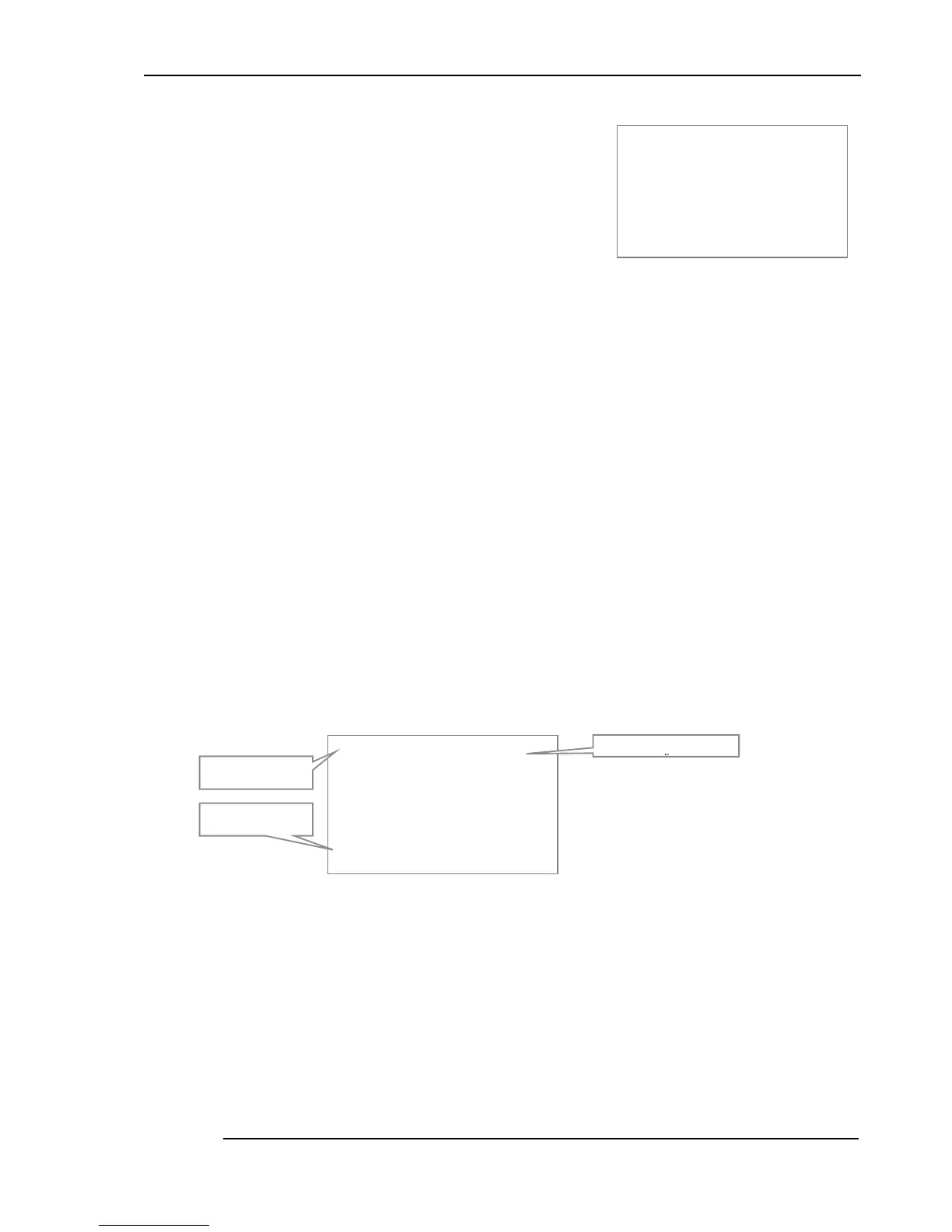
In differential mode (when both channel A and channel B have probes connected), the screen will look
similar to the following example. The asterisk next to the ChA and ChB legends will alternate as
readings are updated.
The probe conversion indicator (bottom-left) displays the conversion method for the current reading
(and so will alternate if the two channels have different conversion methods).
4.1.2.2 Selecting relative temperature measurement (0 key)
The instrument displays a reading value relative to a fixed offset in Zero (or relative) mode. Press the
Zero ( 0 ) key to select this mode.
&
&&
& K$
K$ K$
K$
&
&&
& K%
K% K%
K%
&9 '
&9 '&9 '
&9 '
Probe conversion for
current channel
Individual channels
Differential mode
indicator
&
&&
& K$V &9 '
K$ V & 9'K$ V & 9'
K$ V & 9'
5 H
5 H 5 H
5 H
$ H
$ H$ H
$ H
%
% %
%
H
H H
H
5H DG 2QO\
5H DG 2QO\5H DG 2QO\
5H DG 2QO\
8S ' RZQ
8S ' RZQ8S ' RZQ
8S ' RZQ
0R YH
0R YH0R YH
0R YH
&O HD U
&O HD U&O HD U
&O HD U
([ LW
([ LW([ LW
([ LW


 To Next Page