SECTION 10 APPENDIX I
_______________________________________________________________________
10-3
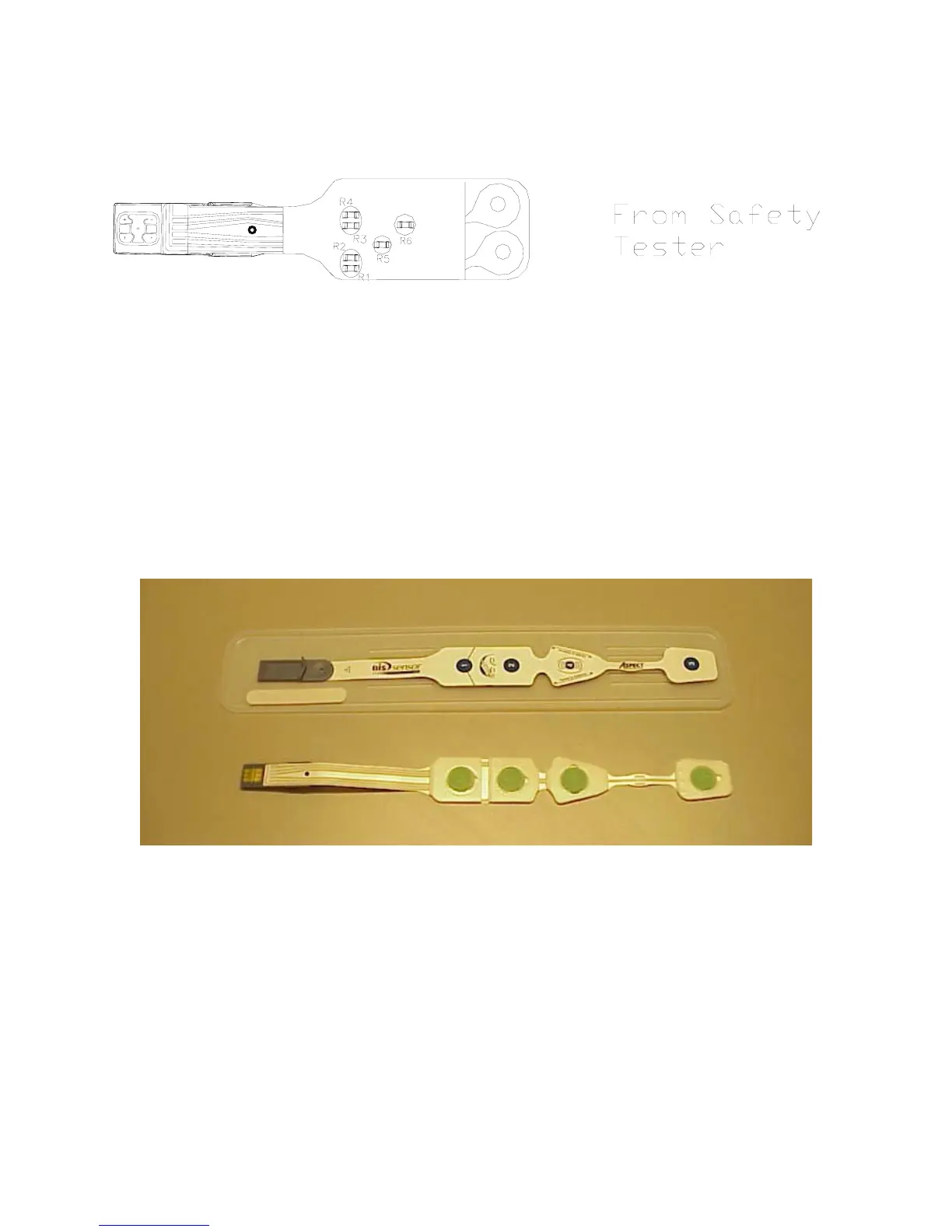
Figure 9 - Sensor Simulator
10.3 Test Sensor
Use the following procedure to make a Test Sensor:
1. Remove a new sensor from its plastic carrier sheet and place on flat surface with the
adhesive facing up.
NOTE:
Be careful that gel does not leak onto hands or connector during this
procedure.
Figure 10 - BIS Sensor
2. Place the end of a small paper clip at the midpoint of electrode #2 then lay it across
electrode #4. (See Figure 11.)


 To Next Page