English
21
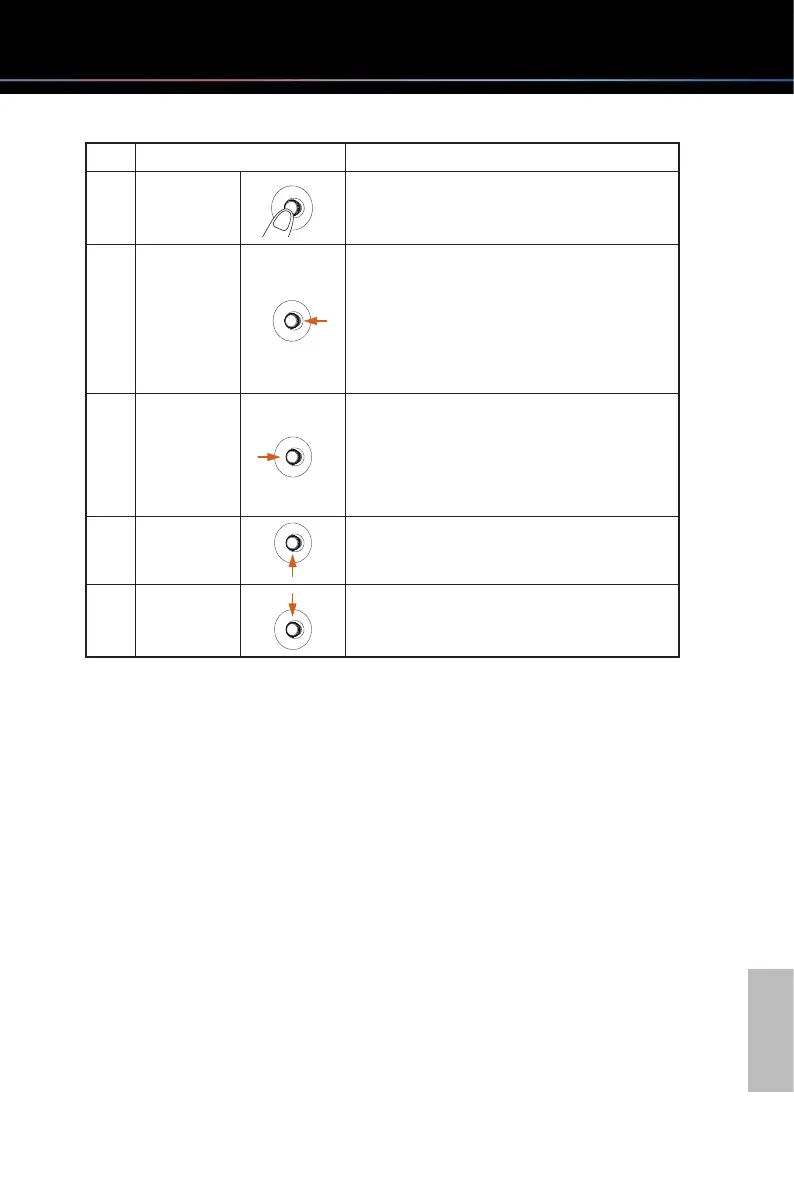
No. Action Description
1 Press
When the OSD menu is ON, press to confirm
the selection (Enter) or save the settings (OK).
2 Toggle Left
Toggles left to select menu items (Move), go
back to the previous menu (Back) or exit the
OSD menu (Exit)
Decreases the parameters of the selected
menu item (Adjust).
3 Toggle Right
Toggles right to select menu items or go to the
next menu (Move).
Increases the parameters of the selected menu
item (Adjust).
4 Toggle Up Toggles up to select menu items (Move).
5 Toggle Down Toggles down to select menu items (Move).



 To Next Page