English
23
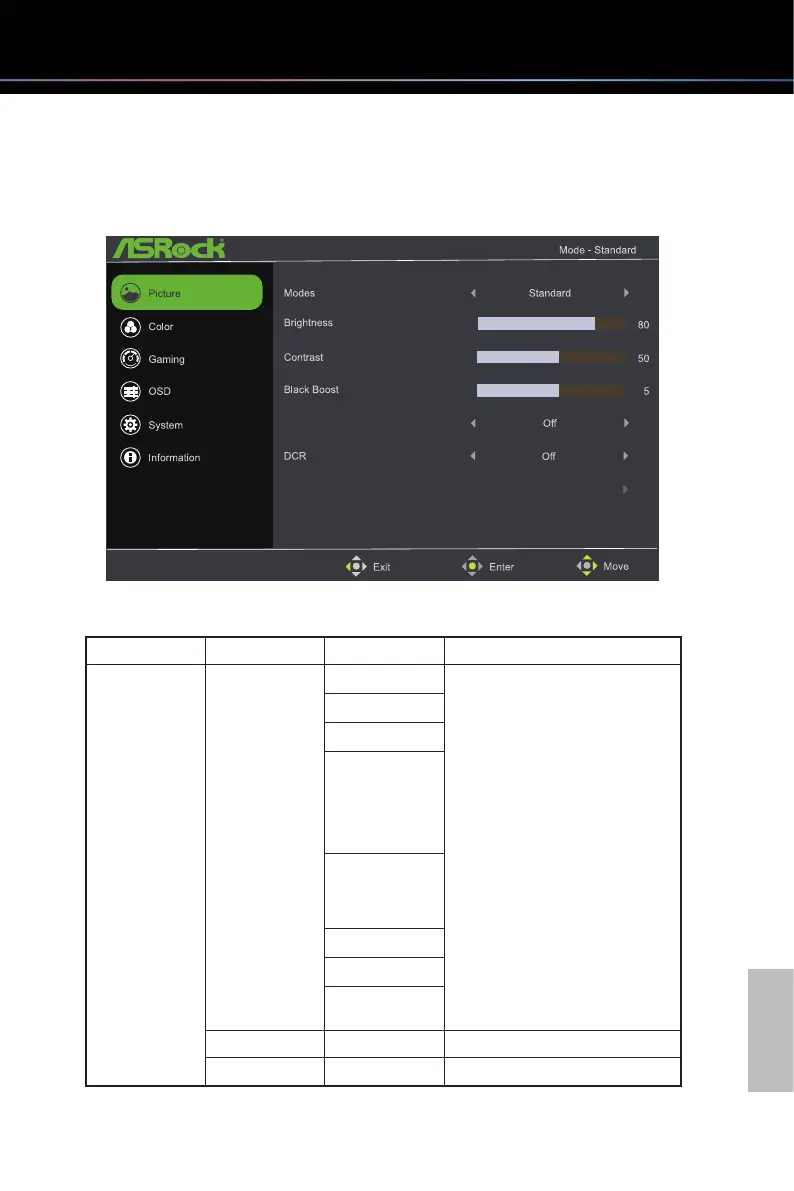
6.2 OSD Menus
Funcon: Picture
Auto Config
Low Blue Light
Main Menu Item Sub Menu Item Sub Menu Description
Picture Modes Action
•
Users can choose the
preferred picture mode
based on the usage scenarios,
including Action, Racing,
Sports, User, Standard, ECO,
Graphics, and Movie modes.
•
User Mode:
Create a user-defined mode
and customize monitor
settings based on user's
preferences.
•
Standard Mode:
The monitor's default color
settings
Racing
Sports
User
Standard
ECO
Graphics
Movie
Brightness 0-100 Backlight Adjustment
Contrast 0-100 Contrast Adjustment



 To Next Page