English
2
Chapter 2 Setting up the Monitor
2.1 Aaching the Stand Arm and Base
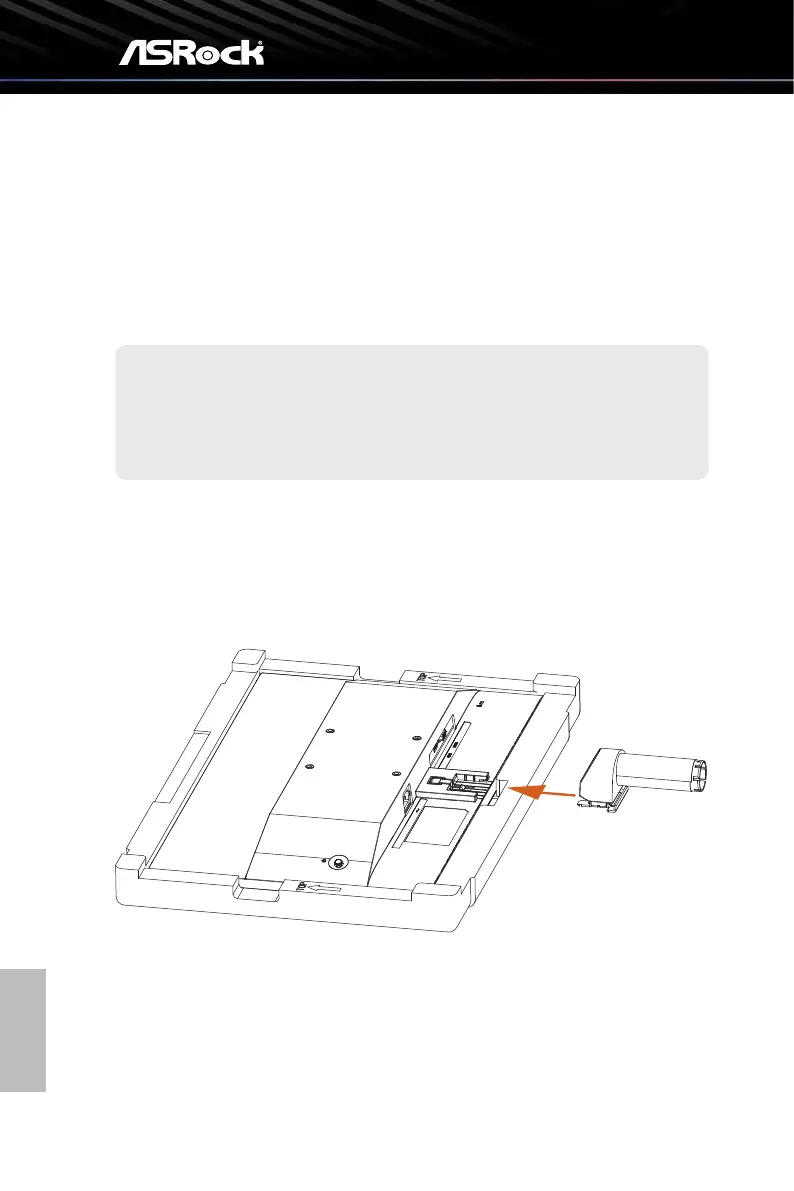
Step 1. Installing the Stand Arm
• Leave the monitor in its protective foam packaging.
• Align and slide the two tabs on the stand arm to the groove on the back of the
monitor until it snaps into place.
Place the monitor in its protective foam packaging, or on a soft, protected
surface to avoid scratching the display screen.
Important



 To Next Page