English
3
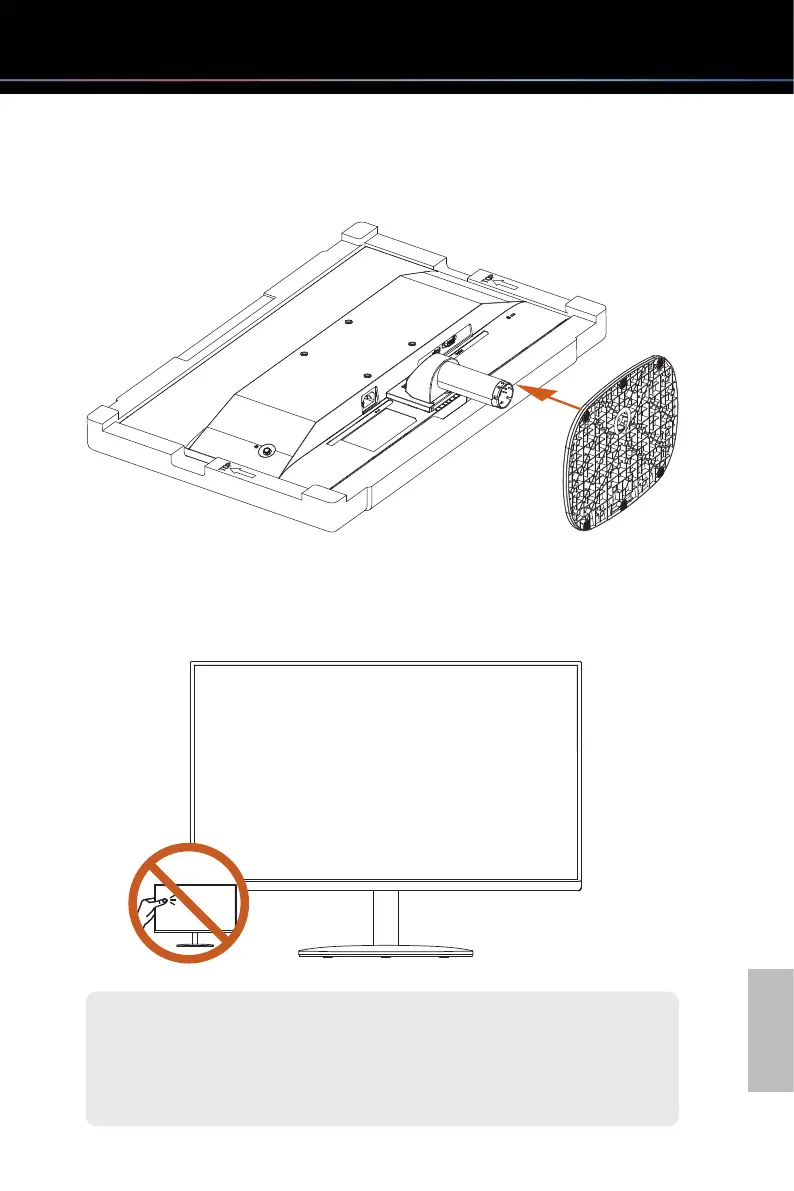
Step 2. Installing the Stand Base
Insert the stand base to the stand arm and make sure it is securely installed.
Step 3. Placing the Monitor Upright
Lift the monitor carefully out of the foam packaging and into its upright position on a flat,
stable surface.
Be careful not to touch or press the screen area when lifting or moving the
monitor to avoid any scratches or damage.
Important



 To Next Page