34
Configuration
Note
A key switch is required to configure devices
1384
and
1385
(stand-alone).
You can configure a networked
1385
either with a key switch or by using
the
FT Manager
software within the building network (see separate
'
FT Manager
' operating instructions).
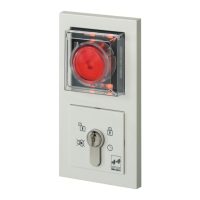
The escape door control terminal is configured using a key switch, via the
two switch contacts in the key switch module. The individual configura-
tion modes and settings are displayed on the 12 different coloured LEDs
on the escape door module.
Data is permanently saved. It is not lost in the event of a power failure.
Symbols are used in the following. These mean:
Turn the key to the left/right.


 To Next Page
