8
Factory Reset
• Factory resetting the lock with the Z-Wave
™
module installed will clear the Z-
Wave
™
network settings, causing the device to be removed from the
network.
• The following is the method of performing a factory reset:
1. Manual factory reset, via power cycle while holding button on inside
lock escutcheon.
▪ See the Lock Installation Manual for details.
▪ Please use the manual factory reset procedure only when the
network primary controller is missing or otherwise inoperable.
Supported Command Classes
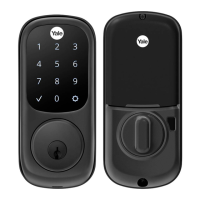
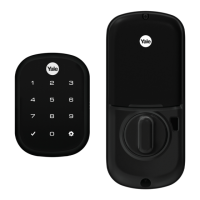
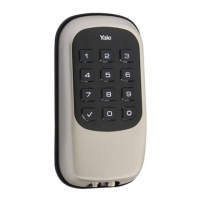
The Yale Assure Z-Wave Plus ™ deadbolts follow the Z-Wave
™
Command Class
Specifications for all command classes that are implemented. Please refer to these
specifications for specifics on how each command class works. The supported
command classes are listed below, and certain sections contain details about
operations that may be specific to the Yale lock. If a section is blank, then please
refer to the Z-Wave
™
specifications.
As a secure device, most of the command classes supported by the lock are
required to be sent securely with Z-Wave
™
security. During enrollment, the
controller can use the Security Command Class to get this list directly from the
lock. If a command class requires security, it is also indicated as such below.
Specification used: Z-Wave
™
Specifications Release Dec 2021 BCD
Command Class Z-Wave Plus ™ Info, Version 2
The Z-Wave Plus ™Info command class reports the following information:
• Role Type: Slave Sleeping Listening (0x07)
• Node Type: Z-Wave Plus ™ Node (0x00)
• Installer Icon Type: 0x0300
• User Icon Type: 0x0300



 To Next Page
 Loading...