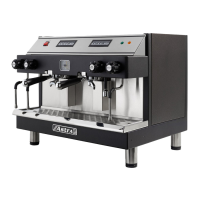
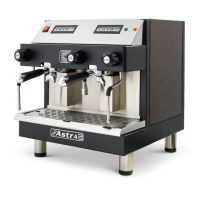
16
J. Steamers
Standard Steamer
Prior to operation, ensure that the boiler pressure has reached the
green area on the gauge (Boiler pressure).
The manual steam valves have a factory set safety mechanism that
prohibits accidental release of steam. This feature provides a
greater level of control to the operator.
Automatic Steamer
Programming the Auto
matic Steam Wand
This procedure is used to program the desired temperature for
optional automatic steam wands.
Ensure that the machine is ON and LED displays the current
temperature. Each steam wand can be programmed and
operated INDEPENDENTLY as follows:
1. Setting the Desired Ste
am Temperature
• Press the “Set”button on the display
• Display will read “Set”
• Press “Set” button again
• Display will read “15 0”
• If you would like to change this pre-set temperature, press
the up arrow to raise the temperature. Press the down arrow
to lower the temperature.
• Once you have selected the desired temperature, press the
“Set” button.
• The display will show the sensor’s current temperature.



 To Next Page