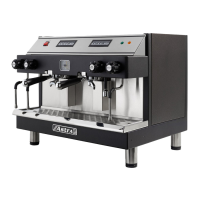
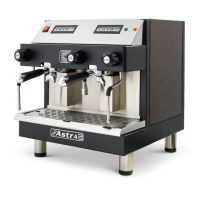
11
G. Steam Wand
Programming the Automatic Steam Option
This procedure is used to program the desired temperature for
optional automatic steam wands on espresso machines.
Ensure that the machine is ON and the LED displays the current
temperature. Each steam wand can be programmed and operated
INDEPENDENTLY as follows:
1. Setting the Desired Steam Temperature
• Press the “Set” button on the display
• Display will read “Set”
• Press “Set” button again
• Display will read “150”
• If you would like to change this pre-set temperature, press the
up arrow to raise the temperature. Press the down arrow to
lower the temperature.
• Once you have selected the desired temperature, press the
“Set” button
• The display will show the sensor’s current temperature.
2. Setting the Accuracy Parameters
• Press and hold the “Set” button
• Display will read “Cor”
• Press “Set” button again
• Adjust the temperature between 0-20 degrees Fahrenheit using
the up or down arrows (default is set for 0 degrees Fahrenheit)
• Once you have selected the desired temperature, press the
“Set” button
3. Setting the Differential Temperature
• Press and hold the “Set” button
• Display will read “Dlf”
• Press “Set” again



 To Next Page