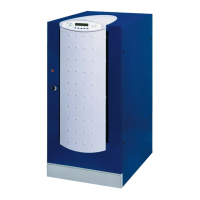
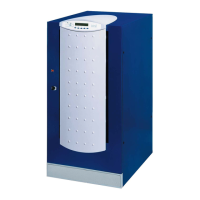
Front panel
OM226131 Rev. A 11
3.3.3 Inverter
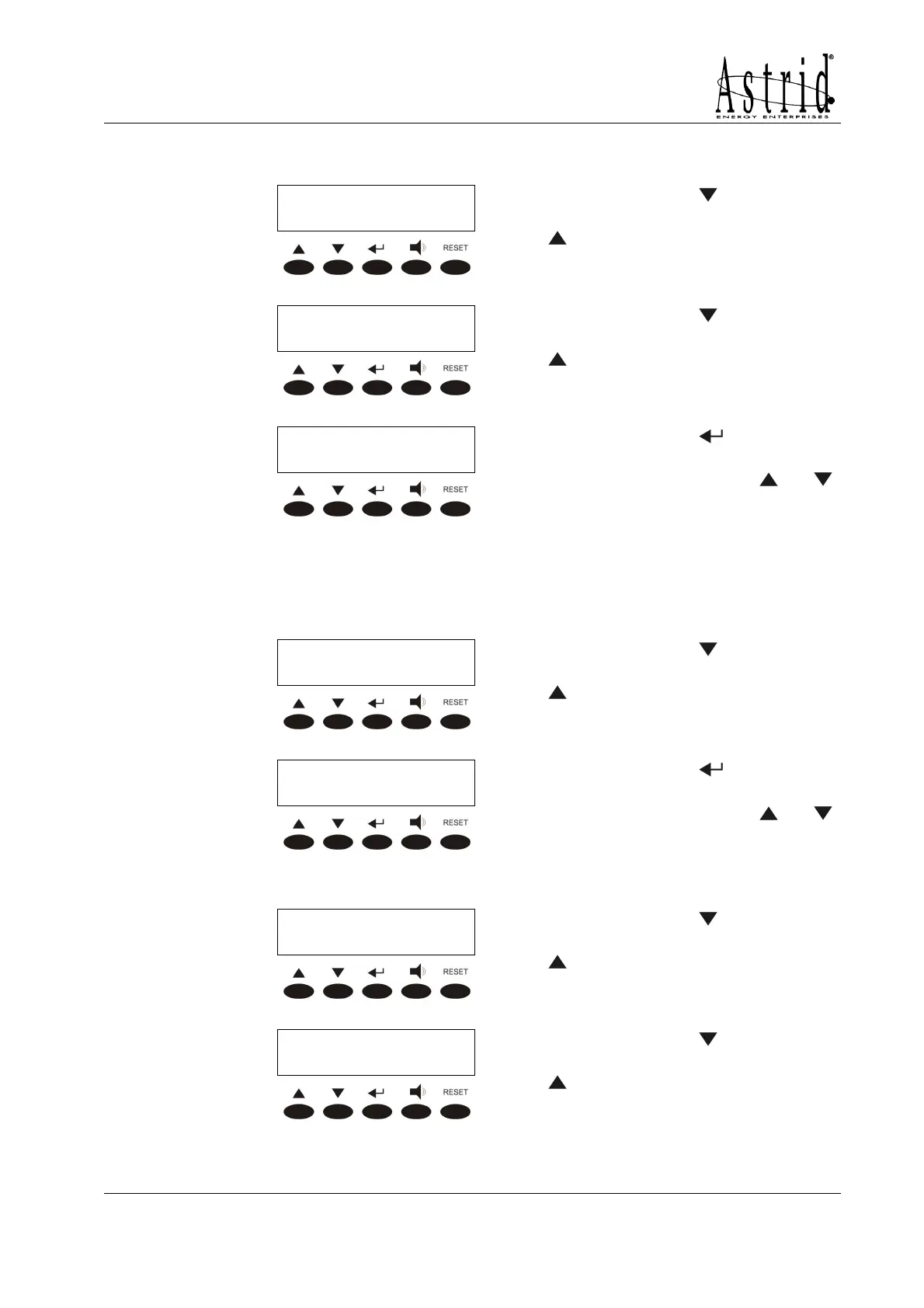
INVERTER VOLTAGE
INVERTER VOLTAGEINVERTER VOLTAGE
INVERTER VOLTAGE
XXX YYY ZZZ Volt
XXX YYY ZZZ VoltXXX YYY ZZZ Volt
XXX YYY ZZZ Volt
Pressing the key the following
parameter is shown, while the key
leads to the previous screen.
INVERTER FREQUENCY
INVERTER FREQUENCYINVERTER FREQUENCY
INVERTER FREQUENCY
XX Hertz
XX HertzXX Hertz
XX Hertz
Pressing the key the following
parameter is shown, while the key
leads to the previous screen.
<NAME> xxx KVA
<NAME> xxx KVA<NAME> xxx KVA
<NAME> xxx KVA
E
EE
EXIT
XITXIT
XIT
Pressing the key leads to the
MEASURES menu screen (see
3.3), pressing the keys
or
the measures are shown again.
3.3.4 AC/DC
This menu is active only when the battery is not discharging. If the battery is in
discharge mode the menu BATTERY is automatically shown.
AC/DC VOLTAGE
AC/DC VOLTAGEAC/DC VOLTAGE
AC/DC VOLTAGE
XXX Vdc
XXX VdcXXX Vdc
XXX Vdc
Pressing the key the following
parameter is shown, while the key
leads to the previous screen.
<NAME> xxx KVA
<NAME> xxx KVA<NAME> xxx KVA
<NAME> xxx KVA
EXIT
EXITEXIT
EXIT
Pressing the key leads to the
MEASURES menu screen (see
3.3), pressing the keys
or
the measures are shown again.
3.3.5 Battery
BATTERY VOLTAG
BATTERY VOLTAGBATTERY VOLTAG
BATTERY VOLTAGE
EE
E
XXX Vdc
XXX VdcXXX Vdc
XXX Vdc
Pressing the key the following
parameter is shown, while the key
leads to the previous screen.
BATTERY TYPE
BATTERY TYPEBATTERY TYPE
BATTERY TYPE
XXX Ah
XXX AhXXX Ah
XXX Ah
Pressing the key the following
parameter is shown, while the key
leads to the previous screen.


 To Next Page