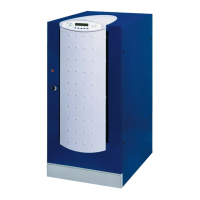
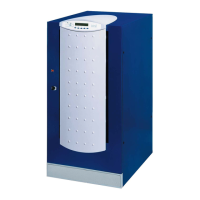
Front panel
10 OM226131 Rev. A
3.3.1 Output
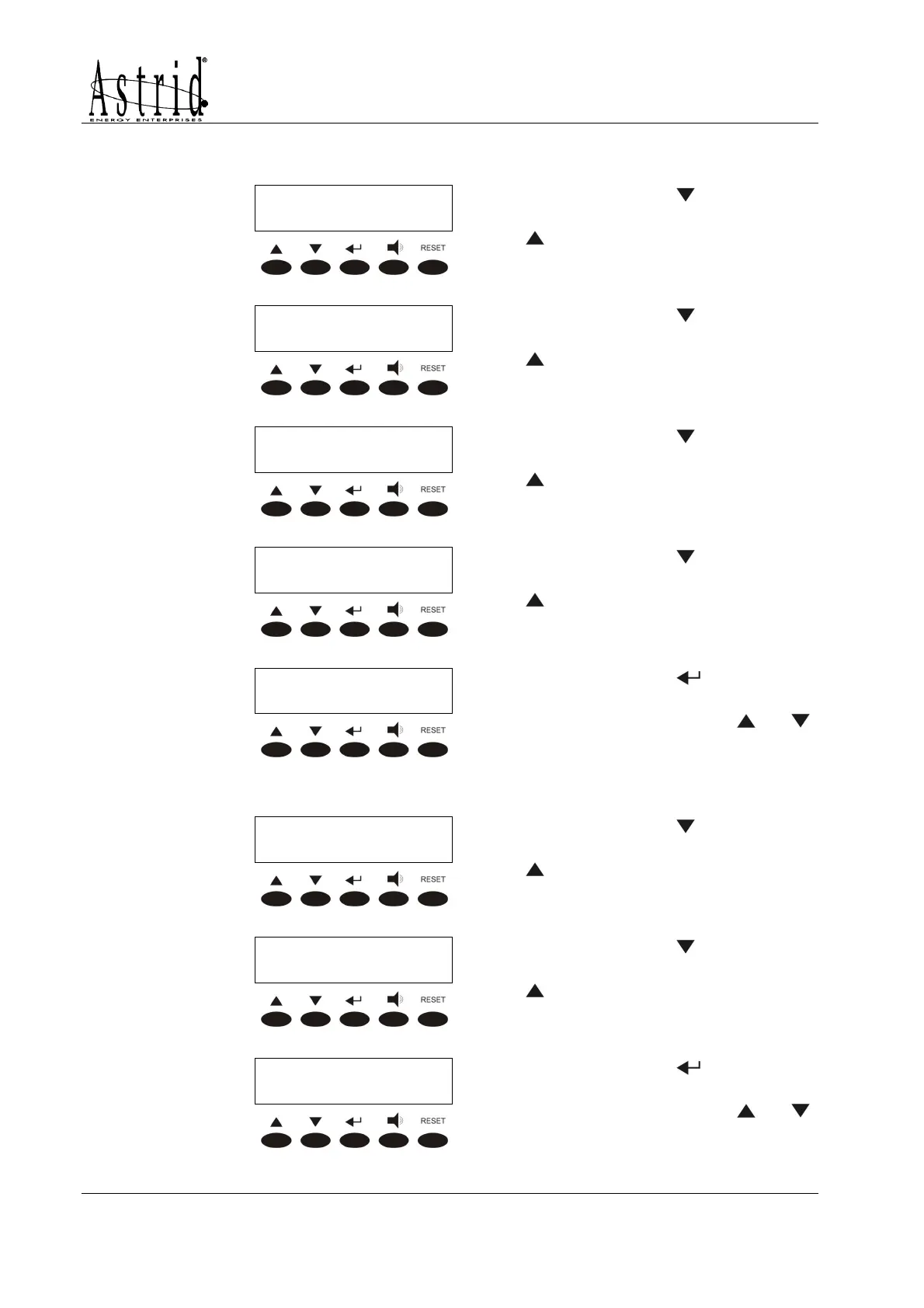
OUTPUT VOLTAGE
OUTPUT VOLTAGEOUTPUT VOLTAGE
OUTPUT VOLTAGE
XXX YYY ZZZ Volt
XXX YYY ZZZ VoltXXX YYY ZZZ Volt
XXX YYY ZZZ Volt
Pressing the key the following
parameter is shown, while the key
leads to the previous screen.
OUTPUT FREQUENCY
OUTPUT FREQUENCYOUTPUT FREQUENCY
OUTPUT FREQUENCY
XX Hertz
XX HertzXX Hertz
XX Hertz
Pressing the key the following
parameter is shown, while the key
leads to the previous screen.
OUTPUT CURRENT
OUTPUT CURRENTOUTPUT CURRENT
OUTPUT CURRENT
XXX YYY ZZZ Ampere
XXX YYY ZZZ AmpereXXX YYY ZZZ Ampere
XXX YYY ZZZ Ampere
Pressing the key the following
parameter is shown, while the key
leads to the previous screen.
LOAD %
LOAD %LOAD %
LOAD %
XXX YYY ZZZ
XXX YYY ZZZXXX YYY ZZZ
XXX YYY ZZZ
Pressing the key the following
parameter is shown, while the key
leads to the previous screen.
<NAME> xxx KVA
<NAME> xxx KVA<NAME> xxx KVA
<NAME> xxx KVA
EXIT
EXITEXIT
EXIT
Pressing the key leads to the
MEASURES menu screen (see
3.3), pressing the keys
or
the measures are shown again.
3.3.2 Bypass
BYPASS VOLTAGE
BYPASS VOLTAGEBYPASS VOLTAGE
BYPASS VOLTAGE
XXX YYY ZZZ Volt
XXX YYY ZZZ VoltXXX YYY ZZZ Volt
XXX YYY ZZZ Volt
Pressing the key the following
parameter is shown, while the key
leads to the previous screen.
BYPASS FREQUENCY
BYPASS FREQUENCYBYPASS FREQUENCY
BYPASS FREQUENCY
XX Hertz
XX HertzXX Hertz
XX Hertz
Pressing the key the following
parameter is shown, while the key
leads to the previous screen.
<NAME> xxx KVA
<NAME> xxx KVA<NAME> xxx KVA
<NAME> xxx KVA
EXIT
EXITEXIT
EXIT
Pressing the key leads to the
MEASURES menu screen (see
3.3), pressing the keys
or
the measures are shown again.


 To Next Page