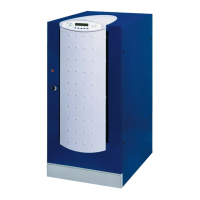
Front panel
16 OM226131 Rev. A
3.5 SPECIAL
IMPORTANT
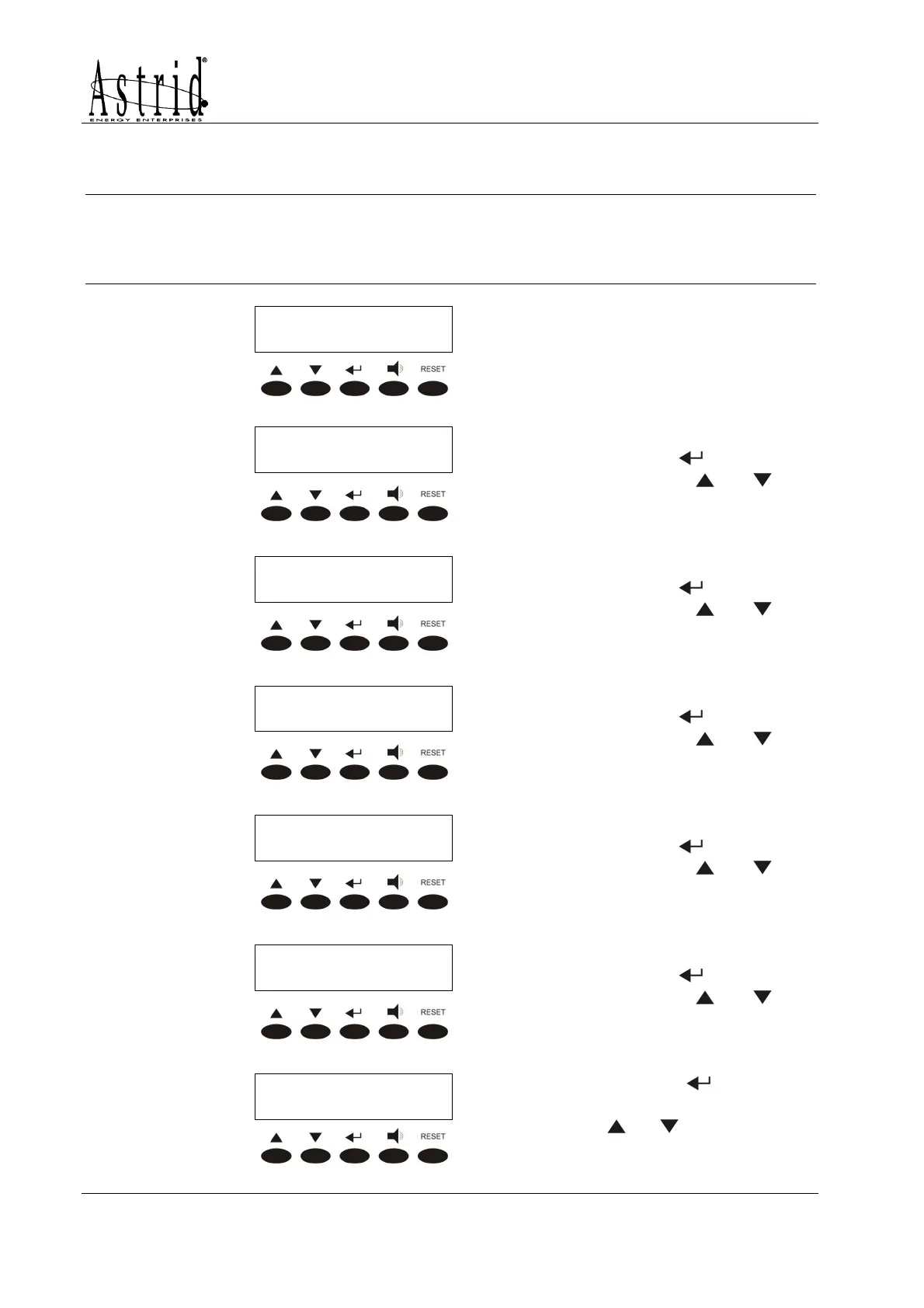
When entering the SPECIAL menu a password is required, as the operations which
are allowed needs to be carried out by competent personnel. For each operation a
confirmation is required.
PASSWORD
PASSWORDPASSWORD
PASSWORD
000
000000
000
Password entering; if wrong the
main menu screen is shown.
SPECIAL MENU
SPECIAL MENUSPECIAL MENU
SPECIAL MENU
RESET
RESETRESET
RESET
larms history. It is accessed
pressing the key
(see 3.4.2),
pressing the keys
or the
other sub-menu are scrolled
down.
SPECIAL MENU
SPECIAL MENUSPECIAL MENU
SPECIAL MENU
SETTINGS
SETTINGSSETTINGS
SETTINGS
SETTINGS. It is accessed
pressing the key
(see 3.5.1),
pressing the keys or the
other sub-menu are scrolled
down.
SPECIAL MENU
SPECIAL MENUSPECIAL MENU
SPECIAL MENU
UPS TEST
UPS TESTUPS TEST
UPS TEST
UPS TEST. It is accessed
pressing the key (see 3.5.2),
pressing the keys
or the
other sub-menu are scrolled
down.
SPECIAL MENU
SPECIAL MENUSPECIAL MENU
SPECIAL MENU
BATTERY TEST
BATTERY TESTBATTERY TEST
BATTERY TEST
BATTERY TEST. It is accessed
pressing the key
(see 3.5.3),
pressing the keys or the
other sub-menu are scrolled
down.
SPECIAL MENU
SPECIAL MENUSPECIAL MENU
SPECIAL MENU
RESET HISTORY
RESET HISTORYRESET HISTORY
RESET HISTORY
RESET HISTORY. It is accessed
pressing the key (see 3.5.4),
pressing the keys
or the
other sub-menu are scrolled
down.
SPECIAL MENU
SPECIAL MENUSPECIAL MENU
SPECIAL MENU
EXIT
EXITEXIT
EXIT
Pressing the key the main
menu screen is shown, pressing
the keys
or the other sub-
menu are scrolled down.


 To Next Page