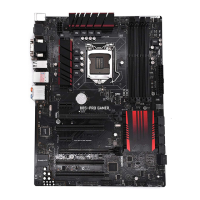
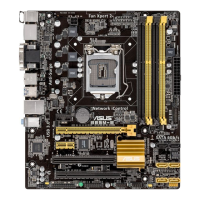
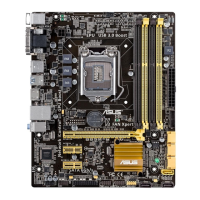
ASUS B85-PLUS
2-13
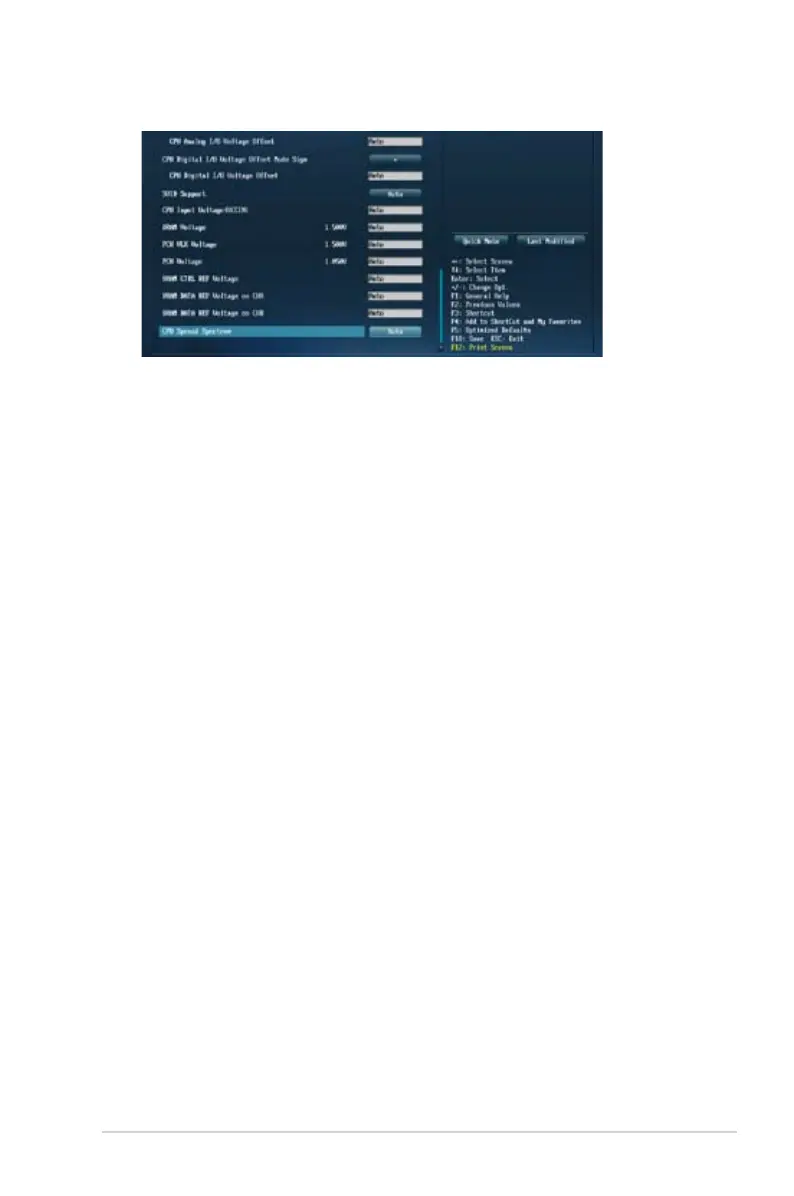
Scroll down to display the following items:
Target CPU Turbo-Mode Speed : xxxxMHz
Displays the target CPU Turbo-Mode speed.
Target DRAM Speed : xxxxMHz
Displays the target DRAM speed.
Target Cache Speed : xxxxMHz
Displays the target Cache speed.
Target DMI/PEG Clock : xxxxMHz
Displays the target DMI/PEG clock.
Target iGPU Speed : xxxxMHz
Displays the target iGPU speed.
2.5.1 Ai Overclock Tuner [Auto]
Allows you to select the CPU overclocking options to achieve the desired CPU internal
frequency. Select any of these preset overclocking conguration options:
[Auto] Loads the optimal settings for the system.
[Manual] Allows you to automatically optimize the CPU ratio and BCLK frequency.
[X.M.P.] Allows your system to automatically optimize the CPU ratio, BCLK
frequency, and memory parameters. If you install memory modules
supporting the eXtreme Memory Prole (X.M.P.) Technology, select this
item to set the proles supported by your memory modules for optimizing
the system performance.
2.5.2 ASUS MultiCore Enhancement [Enabled]
[Enabled] Default set to [Enabled] for maximum performance under XMP/Manual/
User-dened memory frequency mode.
[Disabled] Allows you to set to default core ratio settings.


 To Next Page