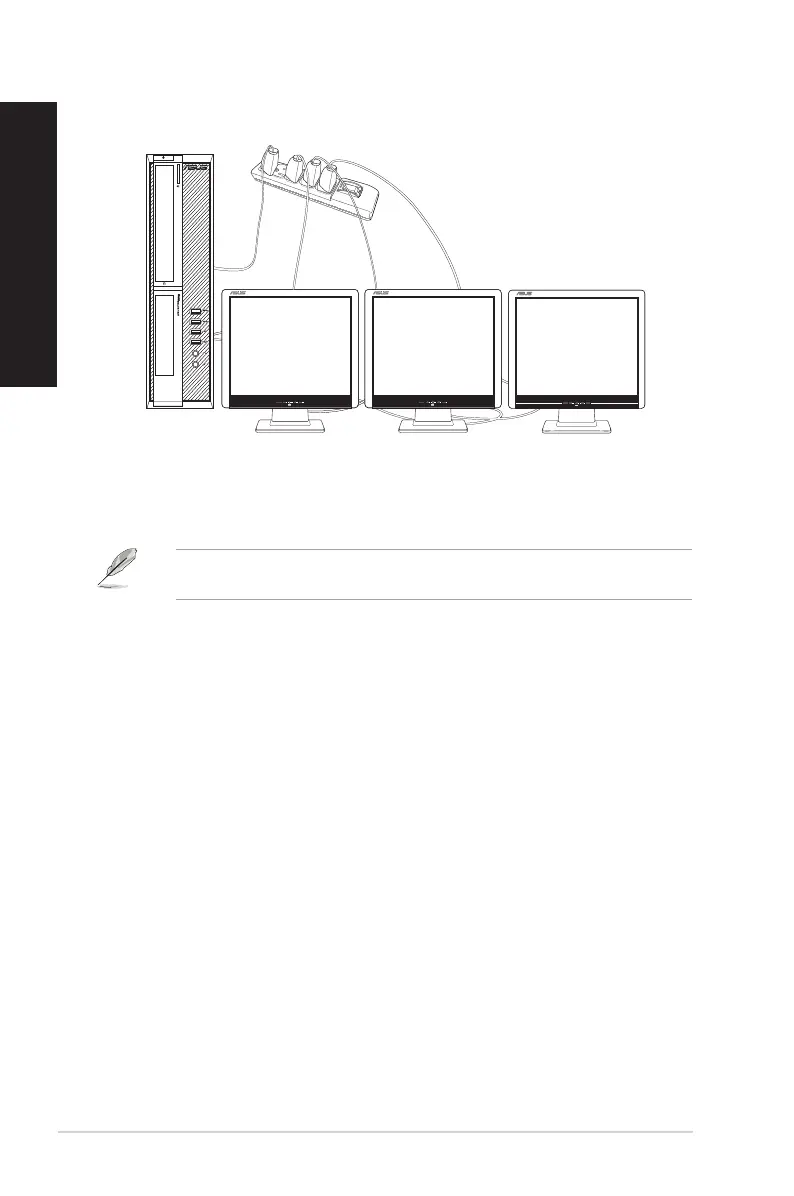
3. Turn on your computer.
4. From the Start menu, click Settings > System > Display.
5. Congure the settings for your displays.
For some graphic cards, only the monitor that is set to be the primary display has display
during POST. The dual display function works only under Windows.
D820SF (BP1CE / SD790) / D620SF (BP1CF / SD580)
28 Chapter 1: Getting started
ENGLISH
ENGLISH



 To Next Page