ASUS Desktop PC 81
ENGLISH
ENGLISH
Chapter 2
Other Windows
®
7 functions
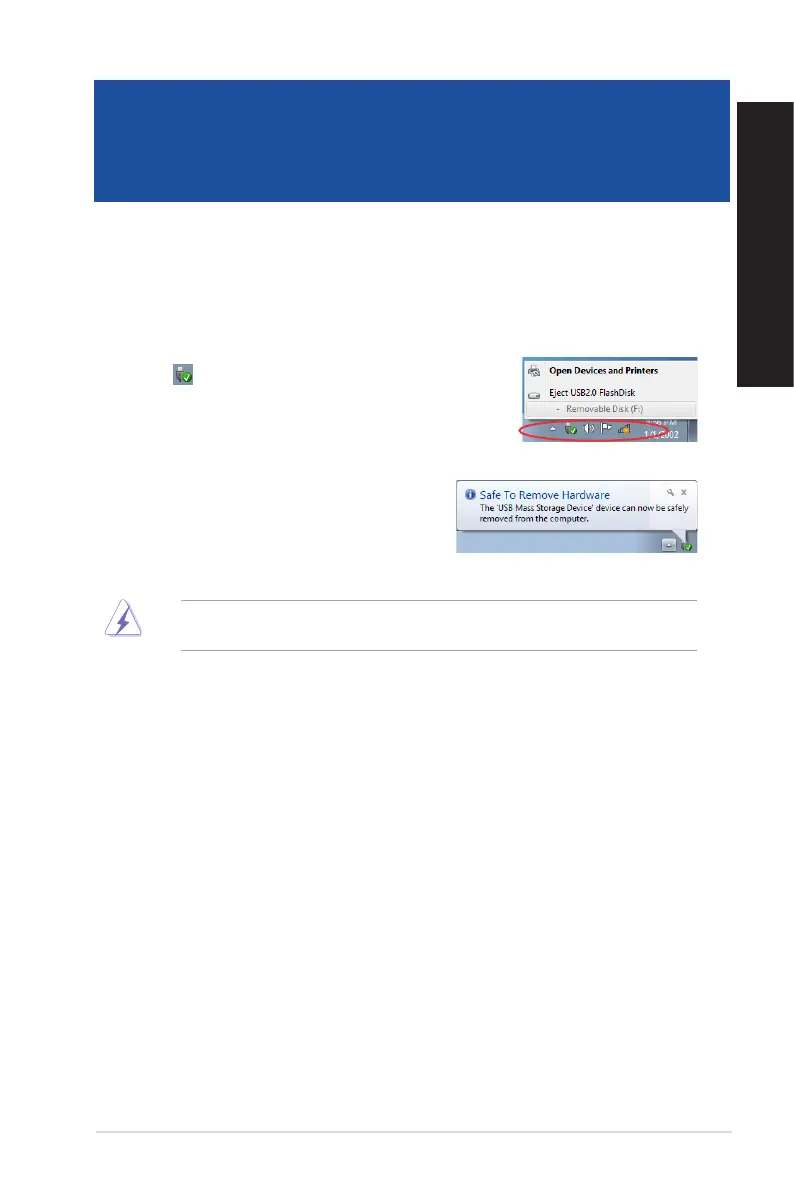
Removing a USB storage device
Windows
®
7
To remove a USB storage device on Windows
®
7:
1. Click from the Windows notification area on your
computer, then click Eject USB2.0 FlashDisk or Eject USB3.0
FlashDisk if you are using the USB3.0 flash drive or USB3.0-
compatible devices.
2. When the Safe to Remove Hardware message
pops up, remove the USB storage device from your
computer.
DONOTremoveaUSBstoragedevicewhendatatransferisinprogress.Doingsomaycausedata
loss or damage the USB storage device.



 To Next Page