96 Windows® 10 User Manual
ENGLISH
ENGLISH
Keyboard shortcuts
Using your keyboard, you can also use the following shortcuts to help you launch apps and
navigate Windows
®
10.
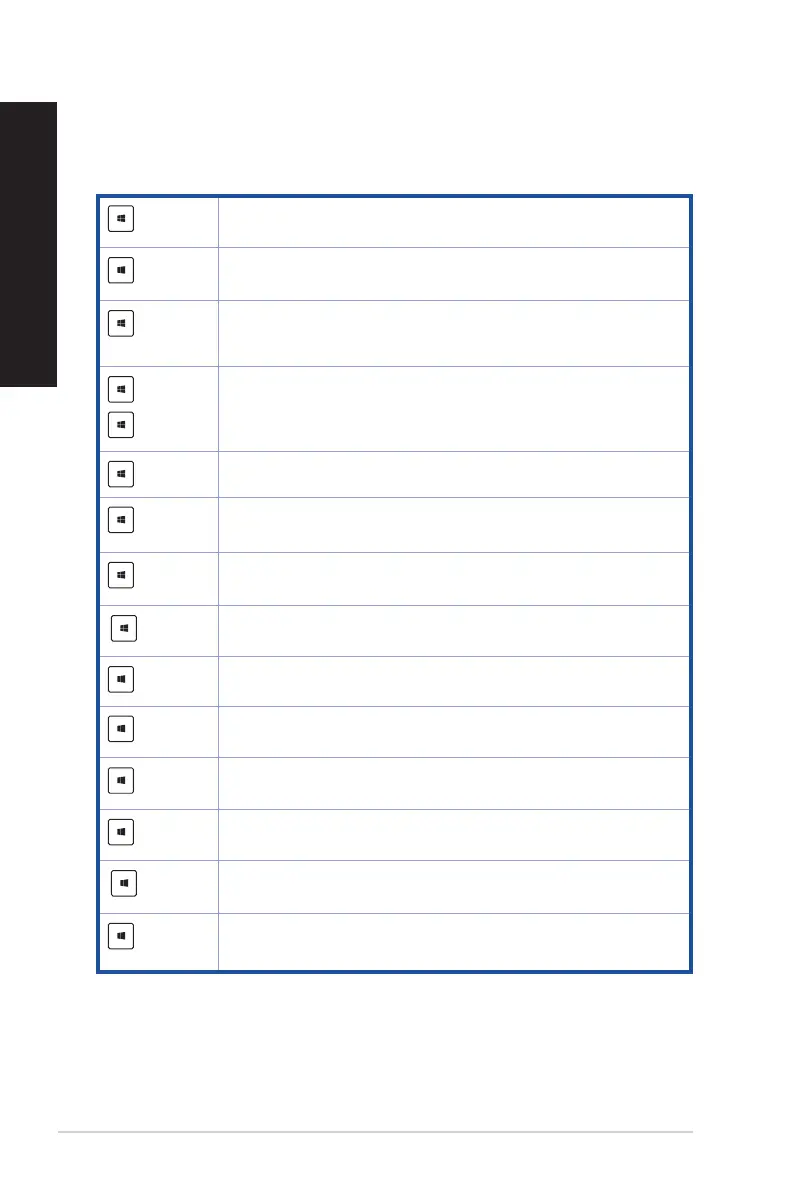
Switches between the Start screen and the last running app
+ <D>
Launches the desktop
+ <E>
Launches File Explorer
+ <F> or
+ <W>
Activates the File search function
+ <H>
Launches Share
+ <I>
Launches Settings
+ <K>
Launches Media Connect
+ <L>
Activates the Lock screen
+ <M>
Hides all currently active screens to the taskbar
+ <P>
YourdesktopPCismirroredtoyoursecondarymonitor
+ <Q>
Launches Cortana
+ <R>
Launches the Run window
+ <U>
Launches Ease of Access Center
+ <X>
Launches a menu box of Windows tools



 To Next Page