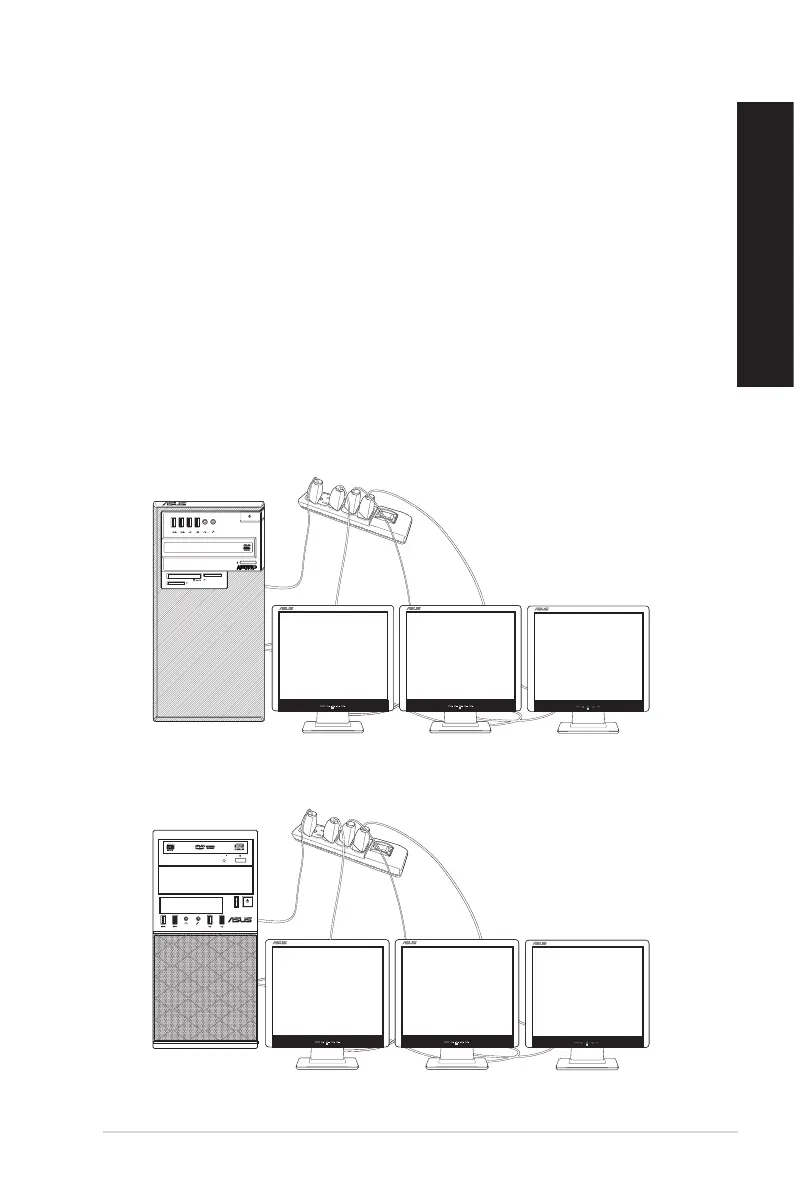
Connecting multiple external displays
Your desktop PC may come with VGA, HDMI, or DVI ports and allows you to connect
multiple external displays.
Setting up multiple displays
When using multiple monitors, you are allowed to set display modes. You can use the
additional monitor as a duplicate of your main display, or as an extension to enlarge your
Windows desktop.
To set up multiple displays:
1. Turn off your computer.
2. Connect the two monitors to your computer and connect the power cords to the
monitors. Refer to Setting up your computer section in Chapter 1 for details on how to
connect a monitor to your computer.
SM.SD.MS-PRO
SM.SD.MS-PRO
D820MT(BM2CE) / D620MT (BM2CF)
BM3CE (MD790) / BM3CF (MD580)
ASUS Desktop PC
27
ENGLISH
ENGLISH



 To Next Page