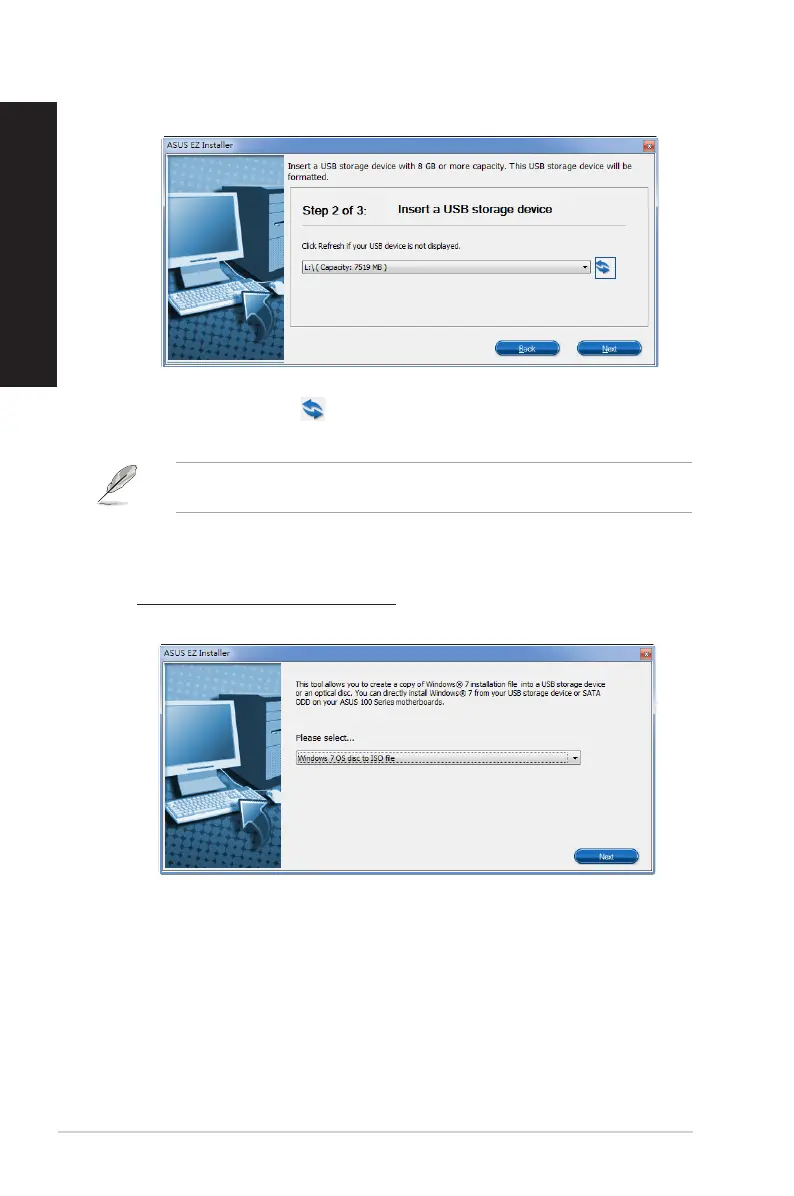
d) Select the USB storage device and click next.
e) Click the refresh icon if the USB storage device is not displayed. Click Yes to
clear the contents on the USB storage device and create a bootable USB device.
The USB storage device will be formatted, so ensure that you have backed up your data
from it.
f) Once completed, click OK to nish.
Windows® 7 OS disk to ISO file
a) Select Windows 7 OS disk to ISO file then click Next.
44 Chapter 3: Using your computer
ENGLISH
ENGLISH



 To Next Page