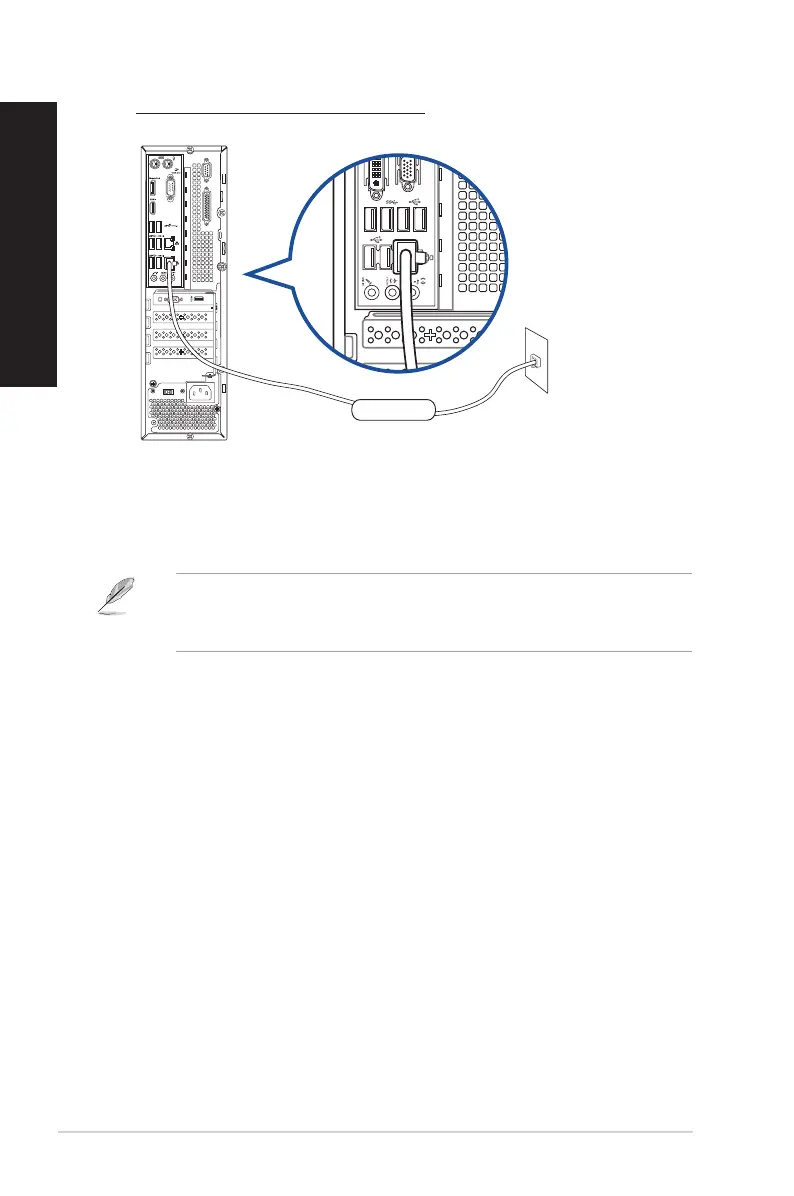
2. Turn on your computer.
3. Congure the necessary Internet connection settings.
• For more details, refer to the section Configuring the network connection.
• Contact your Internet Service Provider (ISP) for details or assistance in setting up your
Internet connection.
RJ-45 cable
LAN
D820SF(BP1CE/SD790) / D620SF(BP1CF/SD580)
52 Chapter 4: Connecting to the Internet
ENGLISH
ENGLISH



 To Next Page