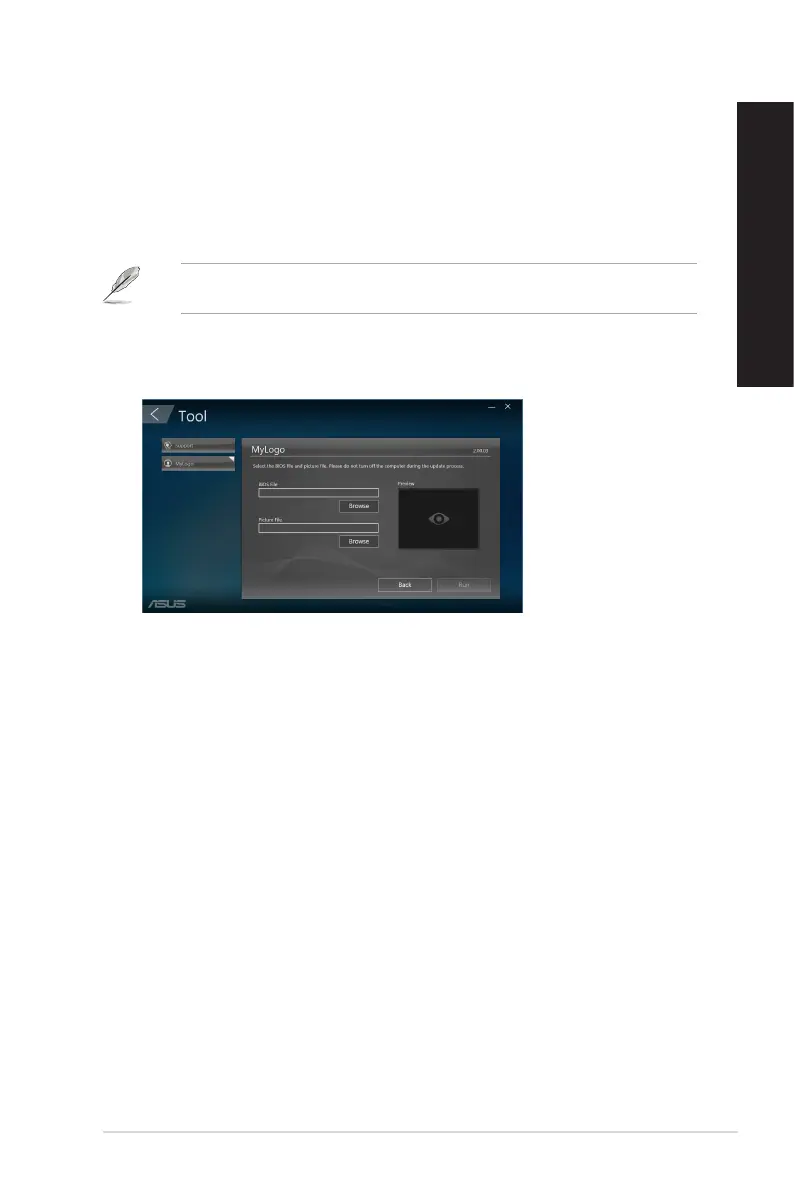
Changing the BIOS boot logo
1. Select any of the options, then click Next:
• Change the BIOS boot logo and update the BIOS.
• Change the BIOS boot logo only.
Before selecting the rst option, download the BIOS le to your computer using ASUS
Update.
2. Click Browse to locate the picture le that you want to use as the boot logo (and the
downloaded BIOS if required) and then click Run.
3. Follow the onscreen instructions to complete the process.
ASUS Desktop PC
61
ENGLISH
ENGLISH



 To Next Page