ASUS Eee PC
3-11
First-time Startup
For the first time you start your Eee PC, the Windows wizard
will launch automatically and lead you through setting up your
preferences and some basic information.
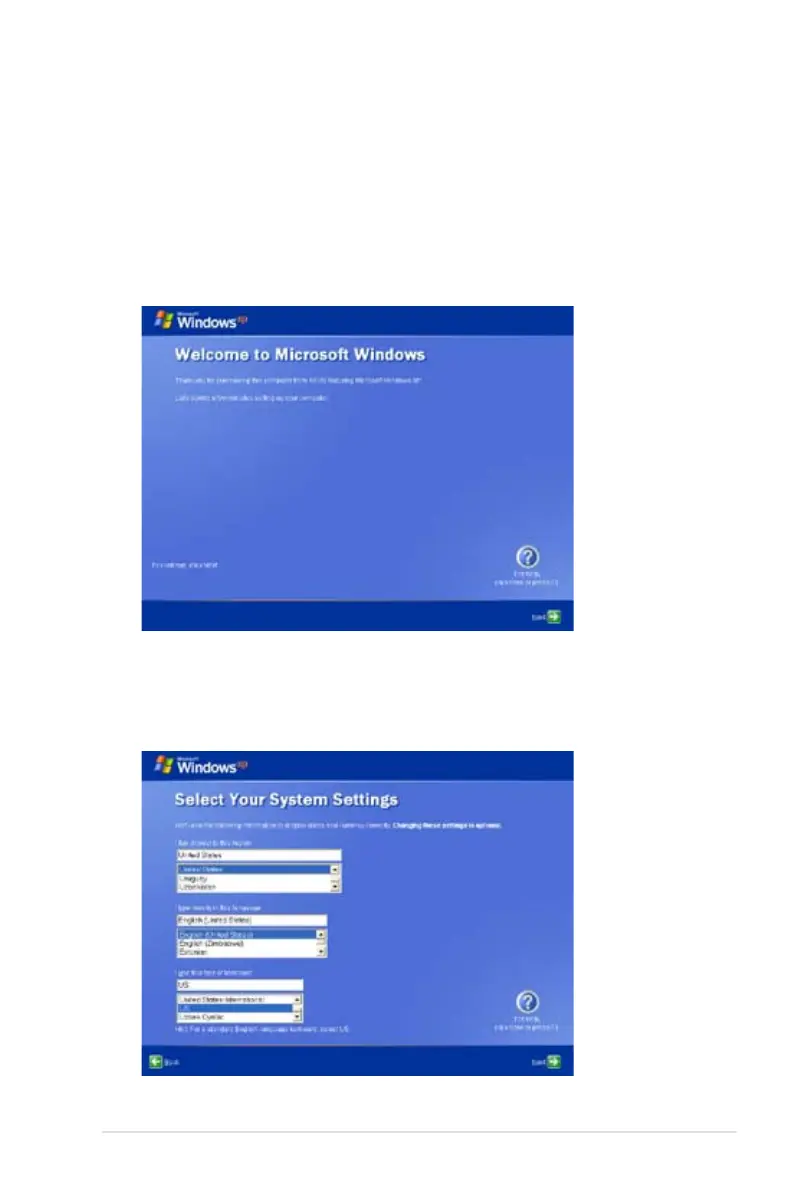
Follow the wizard instructions to finish the initialization:
1. The Welcome message appears. Click Next to continue.
2. Select you system settings by specifying the region you are in,
the language you use and the keyboard type you use. Click Next
to continue.















 To Next Page