4-20
Chapter 4: Using the Eee PC
StarSuite 8
StarSuite 8 is a complete office suite which allows you to edit a
document, calculate on a spreadsheet, prepare presentation slides,
make charts or sketches, and build your own database.
Windows Works are the default applications to open and edit the
related documents. Right-click the file, point to Open With and
select the desired StarSuite application if you want to open and
edit the file with StarSuite.
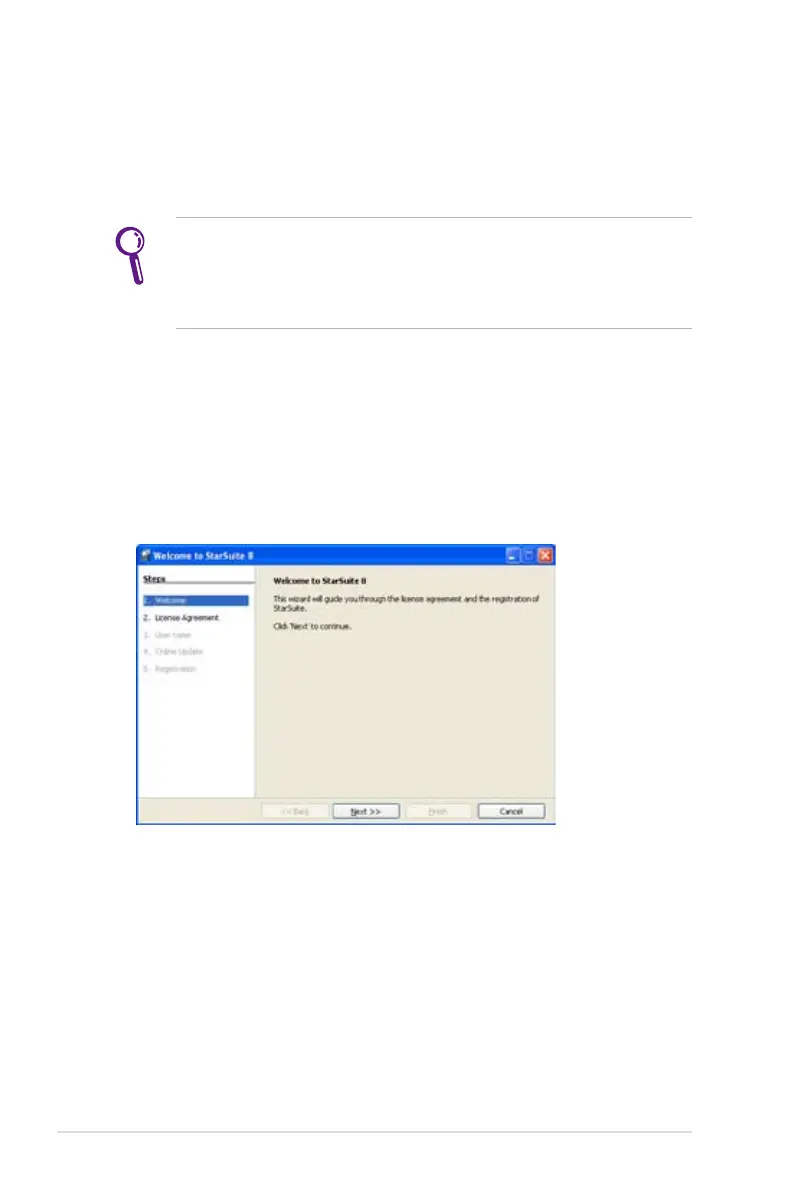
Initializing StarSuite 8
1. Double-click to open the StarSuite 8 folder on the desktop.
2. Double-click the desired application and the Welcome to
StarSuite 8 dialog box appears.















 To Next Page