4-14
Chapter 4: Using the Eee PC
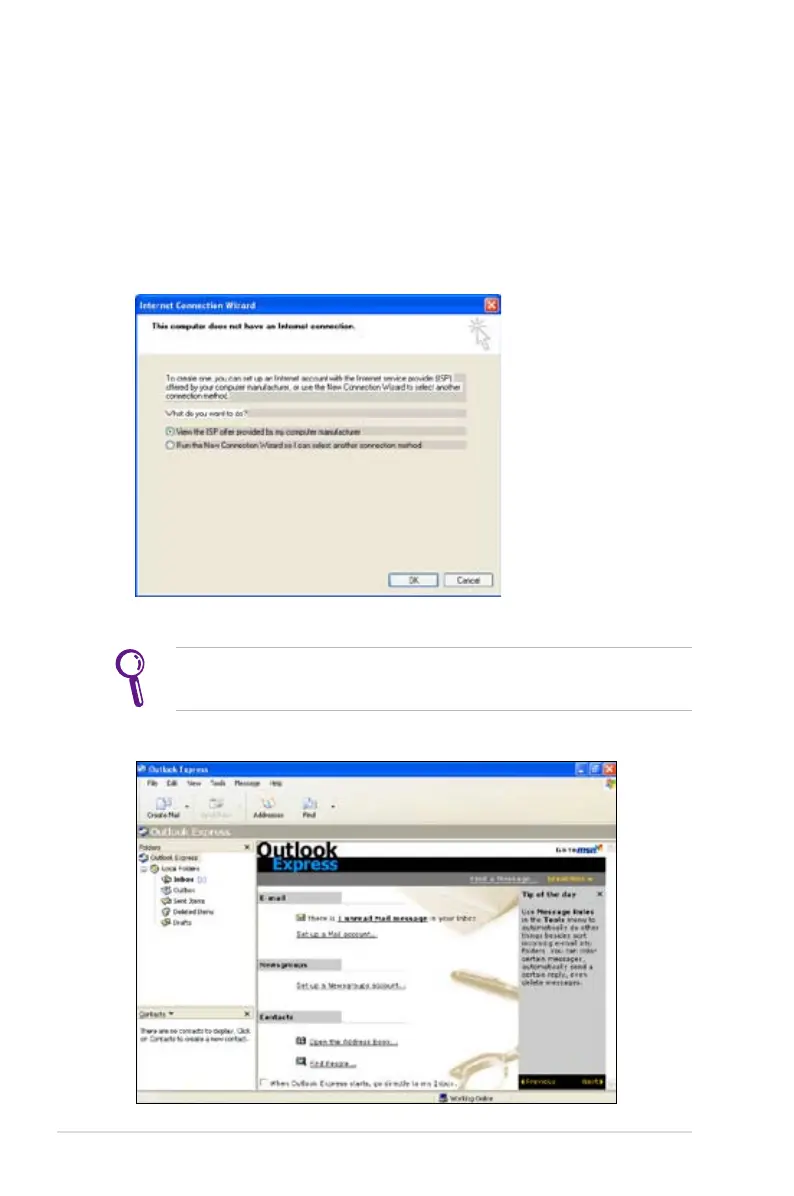
Outlook Express
The Outlook Express e-mail client allows to import preferences,
account settings, address books, and other data from an existing
account in your original personal computer or notebook.
To launch Outlook Express:
1. Click Start > Programs > Outlook Express.
2. Follow the Wizard to finish a new account setup.
Contact your service provider If you do not know the incoming
and outgoing server address of your e-mail account.
3. The Outlook Express main window appears as follows.















 To Next Page