4-2
Chapter 4: Using the Eee PC
Network Connection
Configuring a wireless network connection
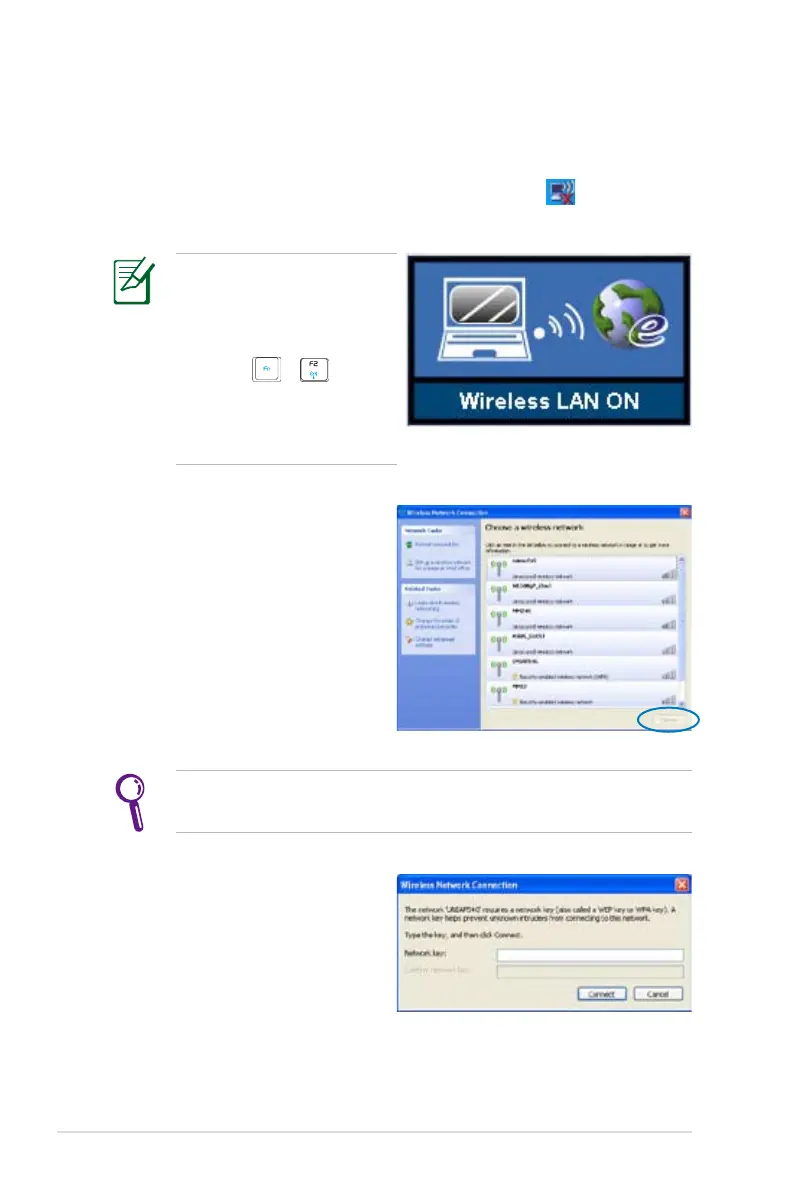
1. Double-click the crossed wireless network icon in the
Notification area.
3. When connecting, you may
have to enter a password.
2. Select the wireless access
point you want to connect
to from the list and click
Connect to build the
connection.
If you cannot find the desired access point, click Refresh
network list in the left pane and search in the list again.
If the wireless connection
icon does not show on
the taskbar. Activate the
wireless LAN function by
pressing + (<Fn> +
<F2>) before configuring
a wireless network
connection.















 To Next Page