3-14
Chapter 3: Getting Started
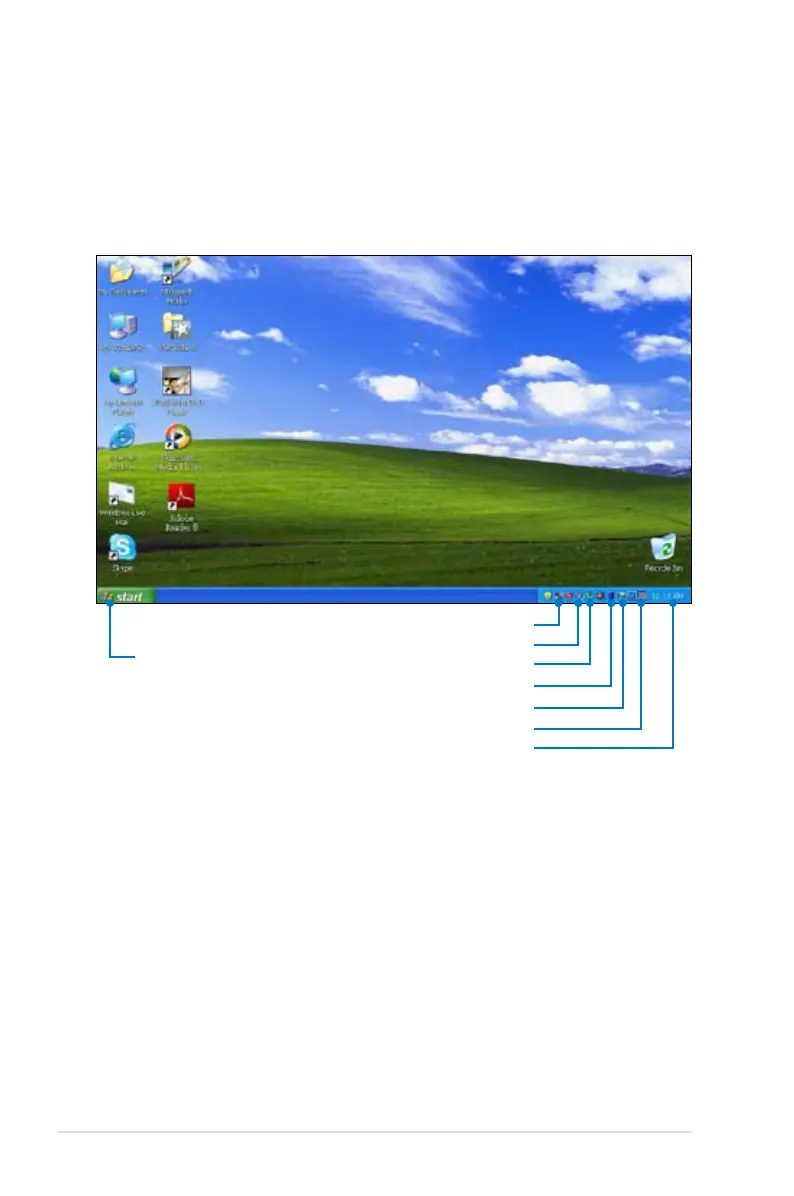
Desktop
The are several shortcuts on the desktop. Double-click them to
launch the corresponding applications and enter the specified
folders. Some applications would form minimized icons in the
Notification area.
Displays the start
menu
Displays the time
Displays the network connection status
Displays USB connection
Adjusts the display resolution
Displays the power status
Adjusts system volume
Adjusts the touchpad settings















 To Next Page