5-4
Chapter 5: Support DVD & System Recovery
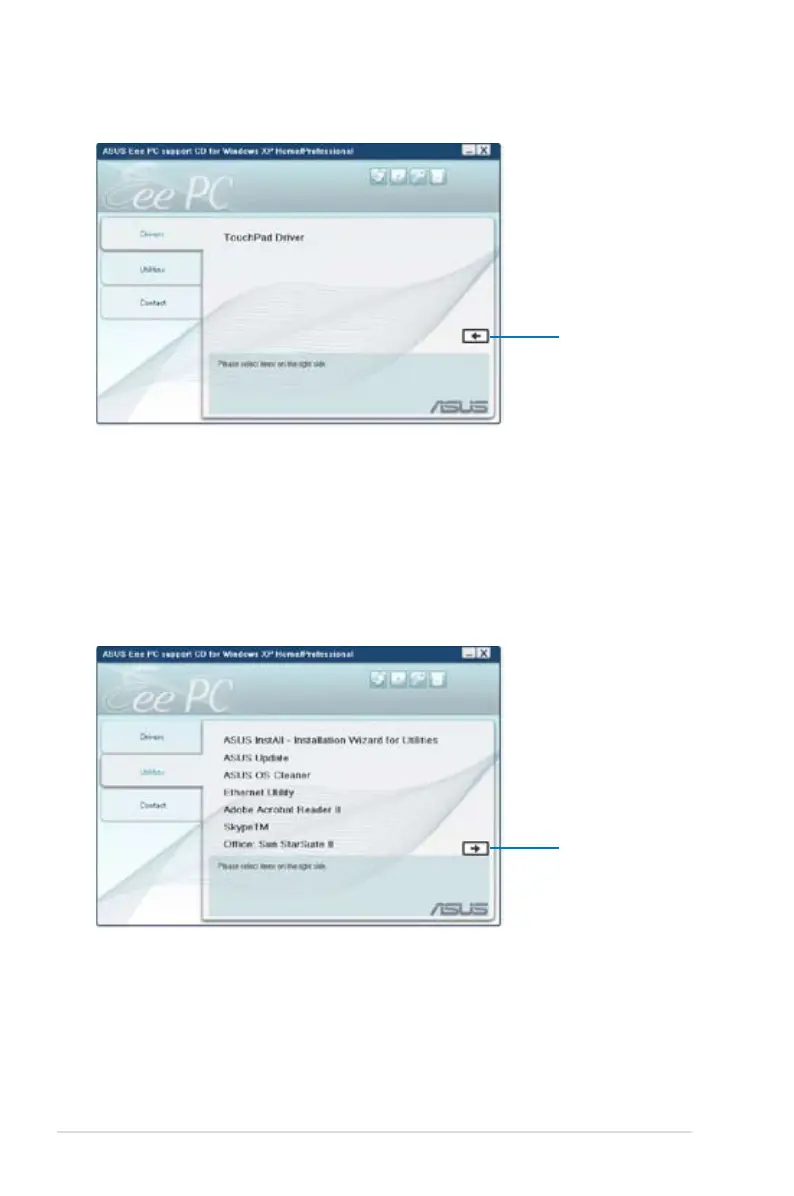
Utilities menu
The Utilities menu shows the applications that the Eee PC supports.
InstAll - Installation Wizard for Utilities
Installs all the utilities.
ASUS Update
The ASUS Update utility allows you to update the Eee PC BIOS in the
Windows® environment. This utility requires an Internet connection
either through a network or an Internet Service Provider (ISP).
TouchPad Driver
Installs the touchpad driver.
Click to go to the
previous page
Click to go to the
next page















 To Next Page