ASUS Eee PC
4-17
Using Microsoft® Works
Microsoft® Works combines several office applications together and
helps you easily manage your schedule and do your work.
Programs
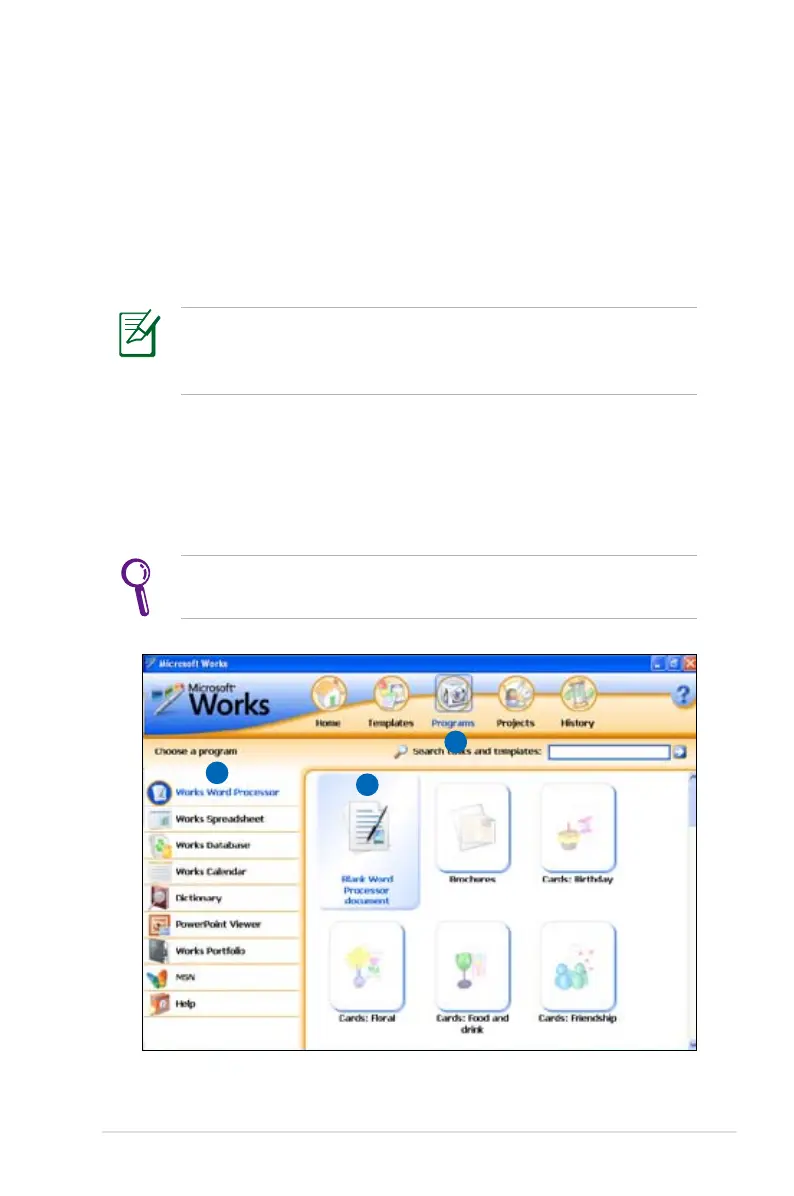
The following example describes how to use Works Word Processor,
Microsoft® Works.
The Microsoft® Works provides various office applications for
different jobs. Select other desired task categories from the list
on the left and get your work done more efficiently.
1. Double-click the Microsoft® Works shortcut on the desktop.
2. Click Programs on the top to switch screens.
3. Click Works Word Processor from the list in the left pane
4. Select Blank Word Processor document in the right pane.
Choose other templates you want to use in the right pane if
needed.
2
3
4















 To Next Page