ASUS Eee PC
4-9
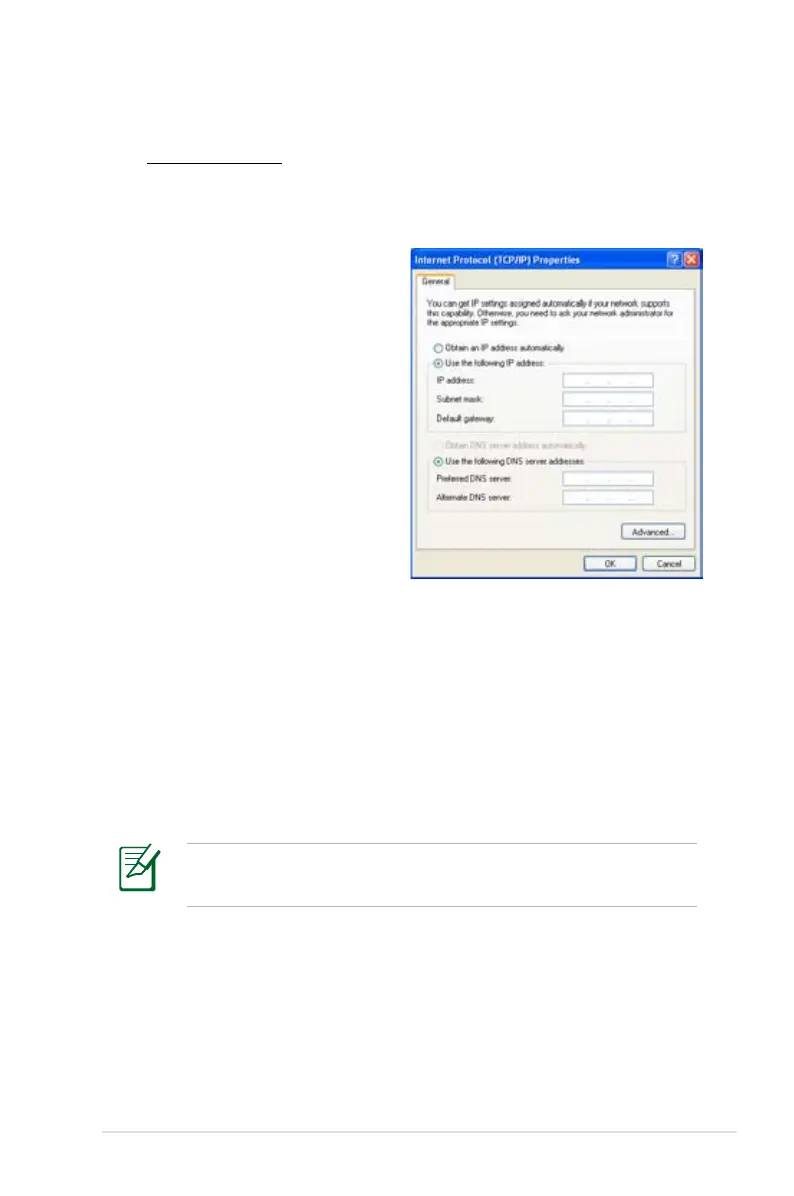
Using a static IP:
1. Repeat the step 1–3 of Using a dynamic IP to start the static
IP network configuration.
3. Enter the IP address, Subnet mask and Gateway from your
service provider.
4. If needed, enter the preferred DNS Server address and
alternative address.
5. After entering all the related values, click OK to build the
network connection.
2 Click Use the following
IP address.
Contact your Internet Service Provider (ISP) if you have
problems connecting to the network.















 To Next Page