5-8
Chapter 5: Support DVD & System Recovery
You will lose all your data during the system recovery. Ensure to
back up your important data before recovering your system.
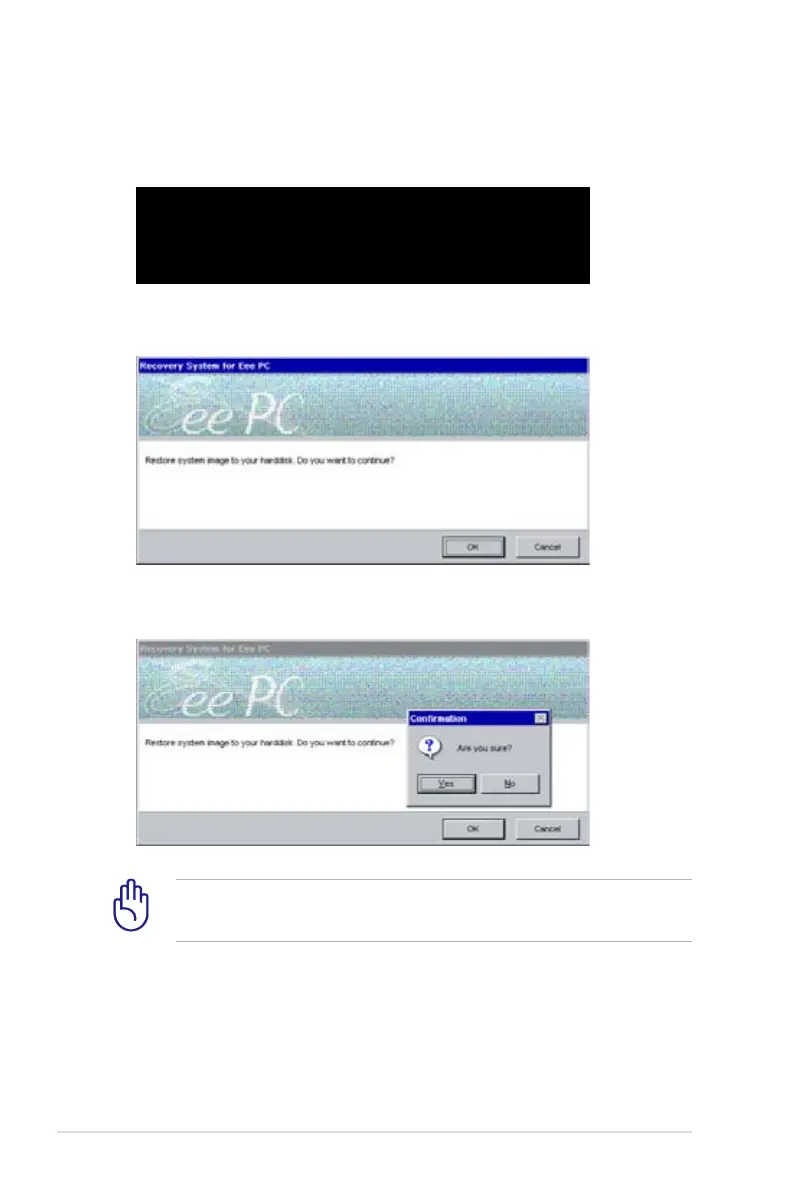
6. Click OK in the Recovery System for Eee PC dialog.
7. Click Yes to start the system recovery.
5. Press any key to boot from the optical drive.
Press any key to boot from CD...















 To Next Page