ASUS Tablet E-Manual
34
Using the Touchpad
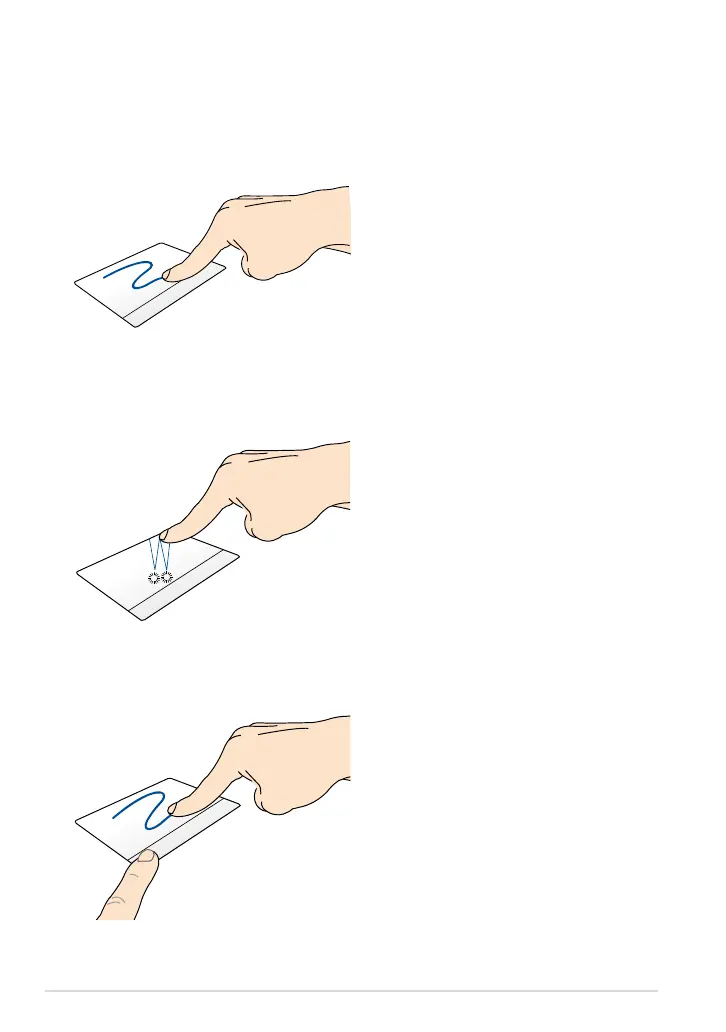
Single tap to select an item. Double
tap to launch an item.
Finger slide
Slide your nger across the touchpad
to move the pointer.
Tap/Double tap
Drag and drop
Select an item then press and hold
the left-click button. Using your other
nger, slide down the touchpad to
drag and drop the item to a new
location.



 To Next Page