K00C
75
Maps
Google Maps allows you to view and nd places, establishments and get
directions. It also allows you to check your current location and share the
information with others.
Using Google Maps
To use Google Maps:
1. Tap
to display the All apps screen, then tap
.
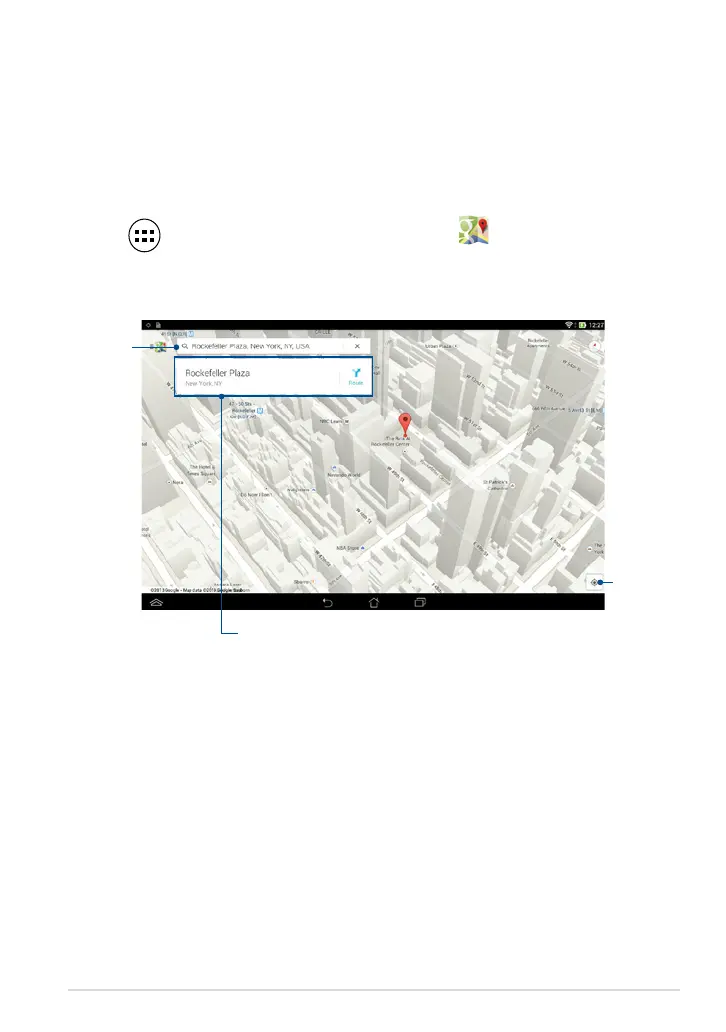
2. Use the search bar on top of the screen to customize your search.
GPS
Search bar
Tap to view more information



 To Next Page