ASUS Tablet E-Manual
54
Customizing your contents
From File Manager, you can copy, cut, share and delete the contents of your
device and the installed external storage device.
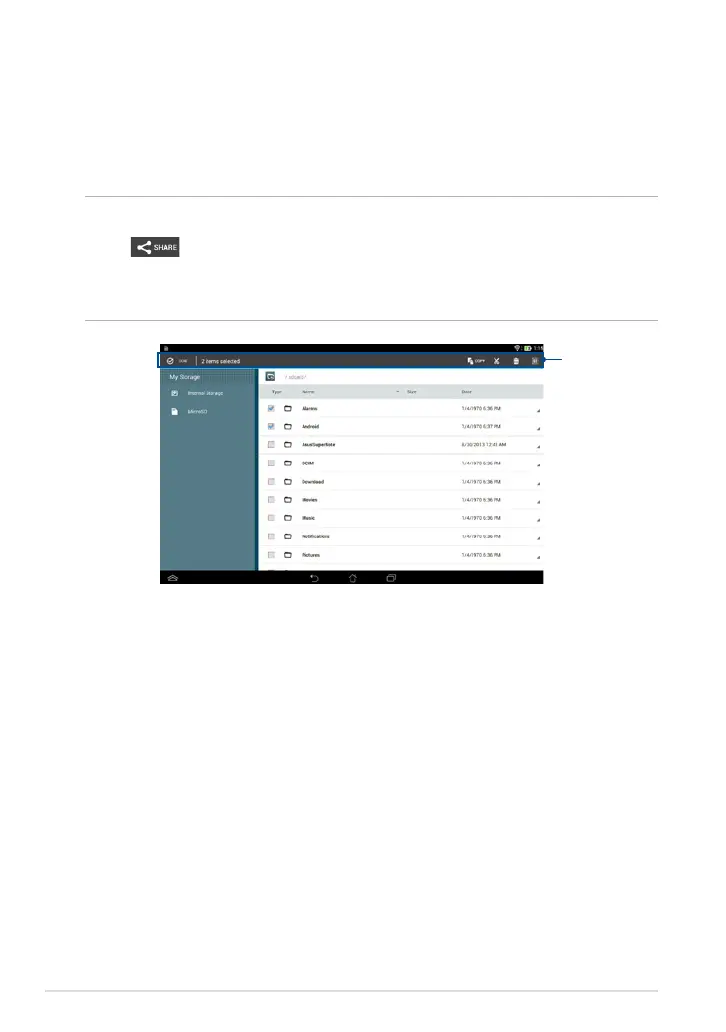
When you customize a le or folder, tick the box beside the le or folder and the
action bar appears on the upper right corner of the screen.
NOTES:
• The
action will only appear if you customize a le or les inside the folder.
• You can also tick the le or folder then drag and drop it to your desired destination
folder.
Action bar



 To Next Page