K00C
47
Managing Apps
Creating app shortcuts
Get easy access to some of your favorite applications by creating app shortcuts on
your Home Screen.
To create app shortcuts:
1. Tap to go to the All Apps screen.
2. From the All Apps screen, tap and hold the app’s icon then drag it to the
Home Screen.
Removing an app from the Home Screen
Free up space for new app shortcuts by removing existing app shortcuts on your
Home Screen.
To remove app shortcuts:
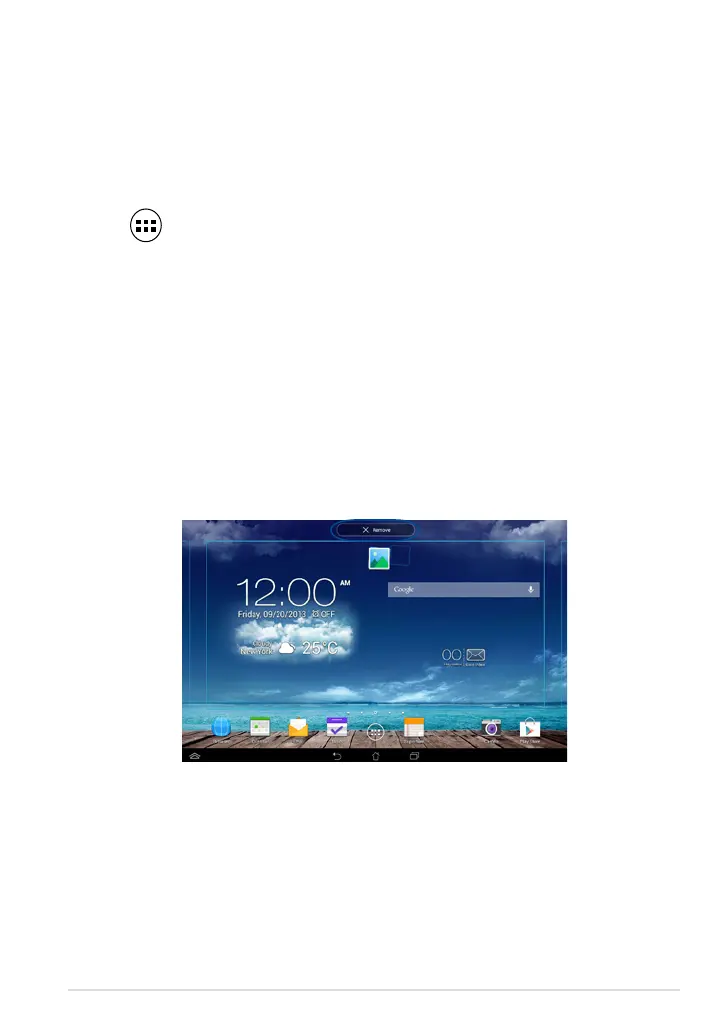
1. Tap and hold an app until the X Remove appears on top of the screen.
2. Drag the app to X Remove to remove it from the Home Screen.



 To Next Page