ASUS Tablet E-Manual
74
Play Store
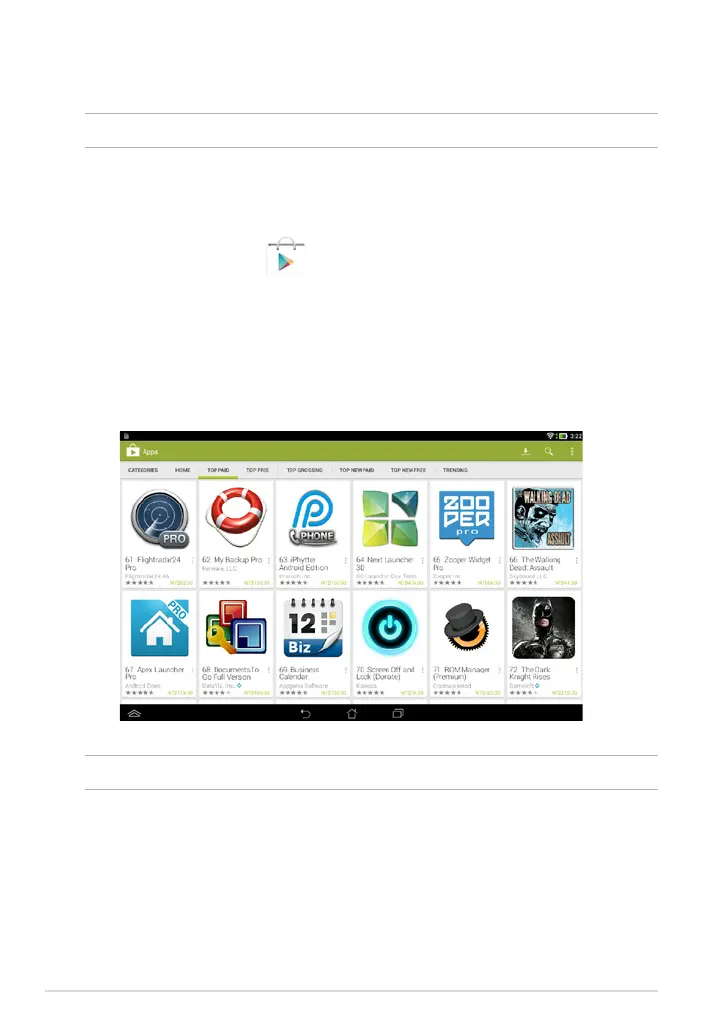
Access lots of fun games and apps in the Play Store using your Google account.
IMPORTANT! You can only access Play Store by signing in to your Google account.
Accessing Play Store
To access Play Store:
1. On the Home Screen, tap
.
2. If you already have an existing Google account, tap
Existing and key in your
e-mail account and password. If you do not have an account, tap New and
follow the on-screen instructions to create an account.
3. After signing in, you can start downloading apps from Play Store and install
them in your ASUS Tablet.
NOTE: Some apps are free and some might charge you through a credit card.



 To Next Page