K00C
83
Customizing your notebook
SuperNote allows you to be creative with your notebooks. From the tool bar, you
can select several tools that lets you customize your notebooks.
NOTE: The settings of the tool bar may vary depending on the mode that you
selected.
To customize your notebook:
1. In the SuperNote main screen, tap the notebook that you want to customize.
2. Tap any of the icons on the toolbar to start editing your notebook.
NOTES:
• For
Write mode, tap Baseline for penmanship guidelines when necessary.
• For
Write and Type modes, tap Color to select text or stroke color and weight.
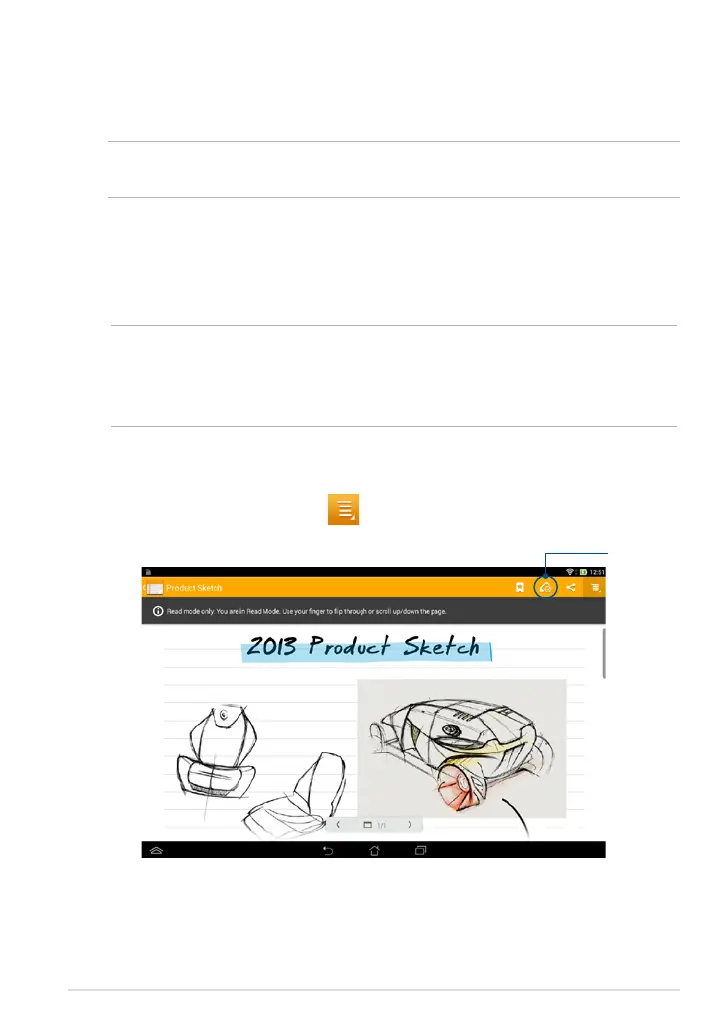
SuperNote Read-only mode
To enable the read-only mode, tap then tap Read only.
Tap to enable
Edit mode



 To Next Page