ASUS Tablet E-Manual
82
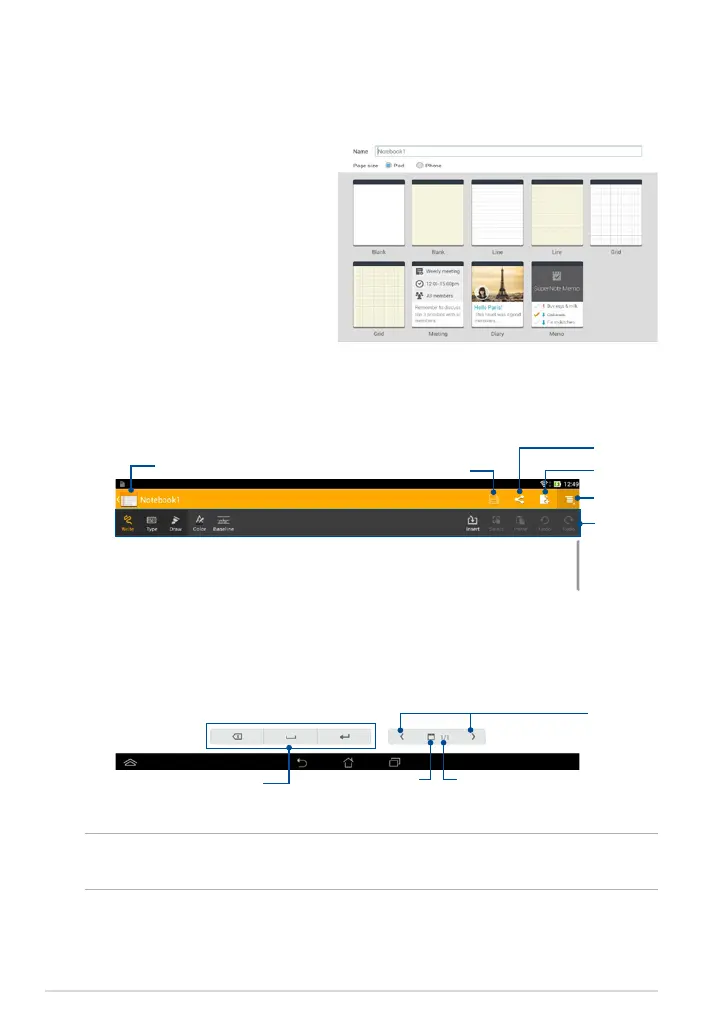
Creating a new notebook
To create a new notebook:
1. Tap Add a new Notebook.
2. Name the le and select
Pad or
Phone for page size.
3. Select a template. The new note
page appears instantly.
SuperNote Notebook interface
NOTE: The mode settings and notebook tool bar changes when you tap Write
mode, Type mode, or Draw mode.
Tap to return to
previous screen
Save the page
Add a page
Share a page
Settings
tool bar
Mode settings
Previous/Next
page
Page number
Page size



 To Next Page