14
RT-N10E Chapter 2: Setting up the hardware
Notes:
• If QIS does not detect your Internet connection type, click
Skip to manual setting
and
manually congure your connection settings.
• If QIS does not automatically launch, key in
http://192.168.1.1
in your web browser, and
manually launch QIS. For more details, refer to the next section
Using QIS without auto-
detection
.
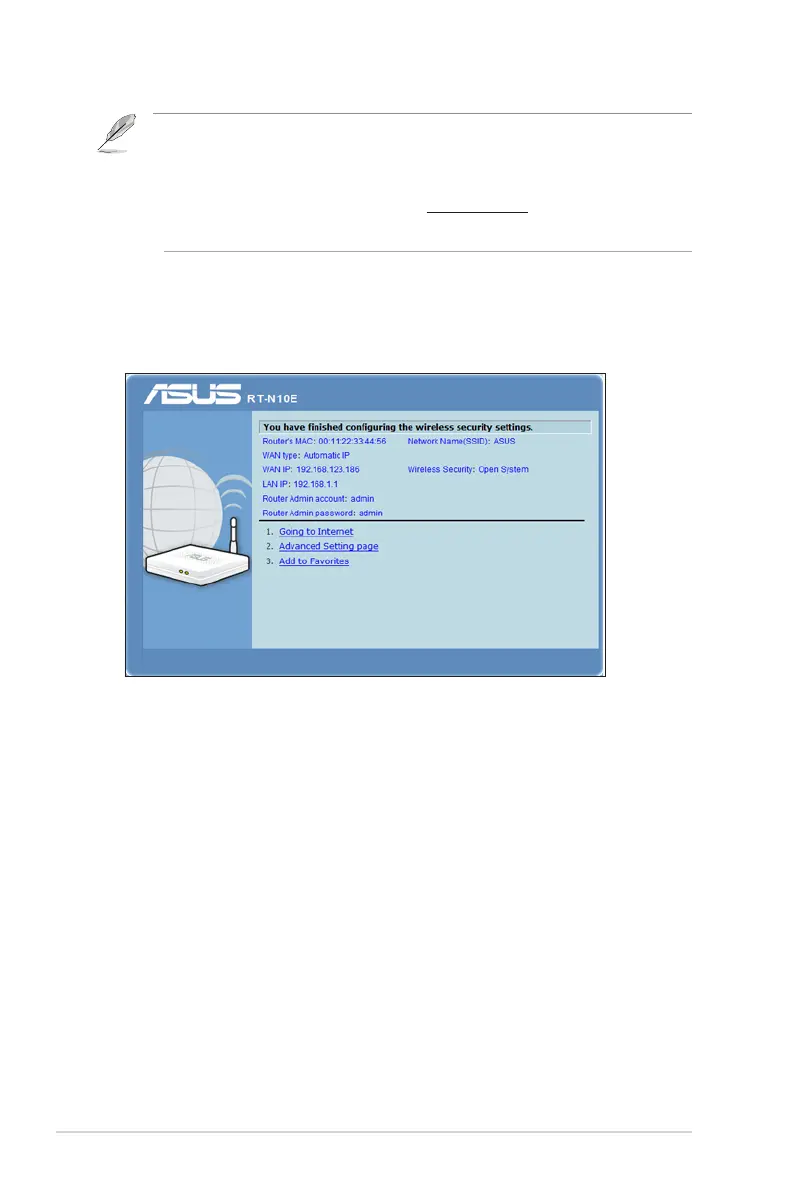
2. Assign the network name and network key for a secure wireless network.
Click Finish when done.
3. Internet connection setup is done.



 To Next Page