32
RT-N15U Chapter 5: Installing the utilities
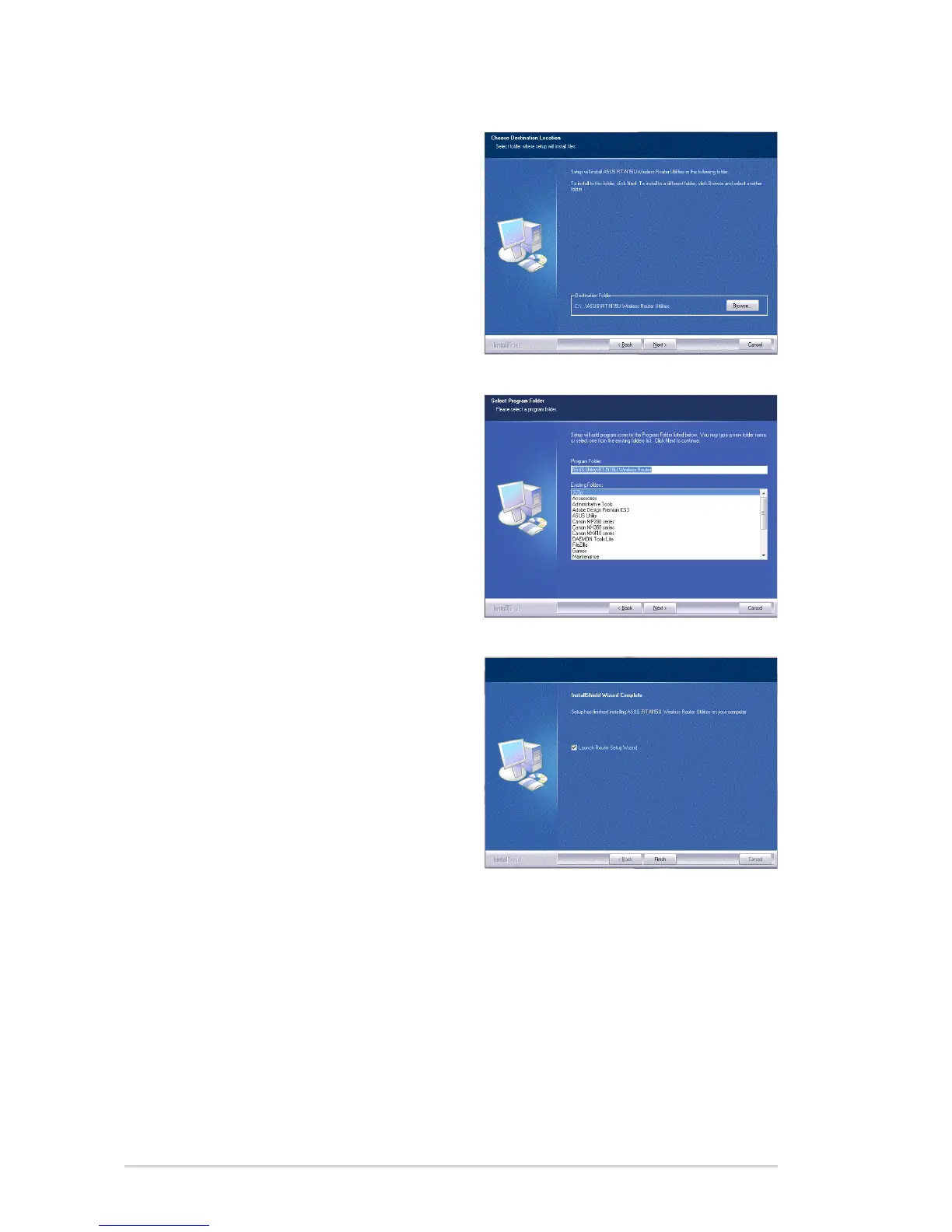
3. Click Next to accept the default
destination folder or click Browse to
specify another path.
4. Click Next to accept the default
program folder or enter another
name.
5. Click Finish when setup is
completed.



 To Next Page