33
Chapter 5: Installing the utilities RT-N15U
Device Discovery
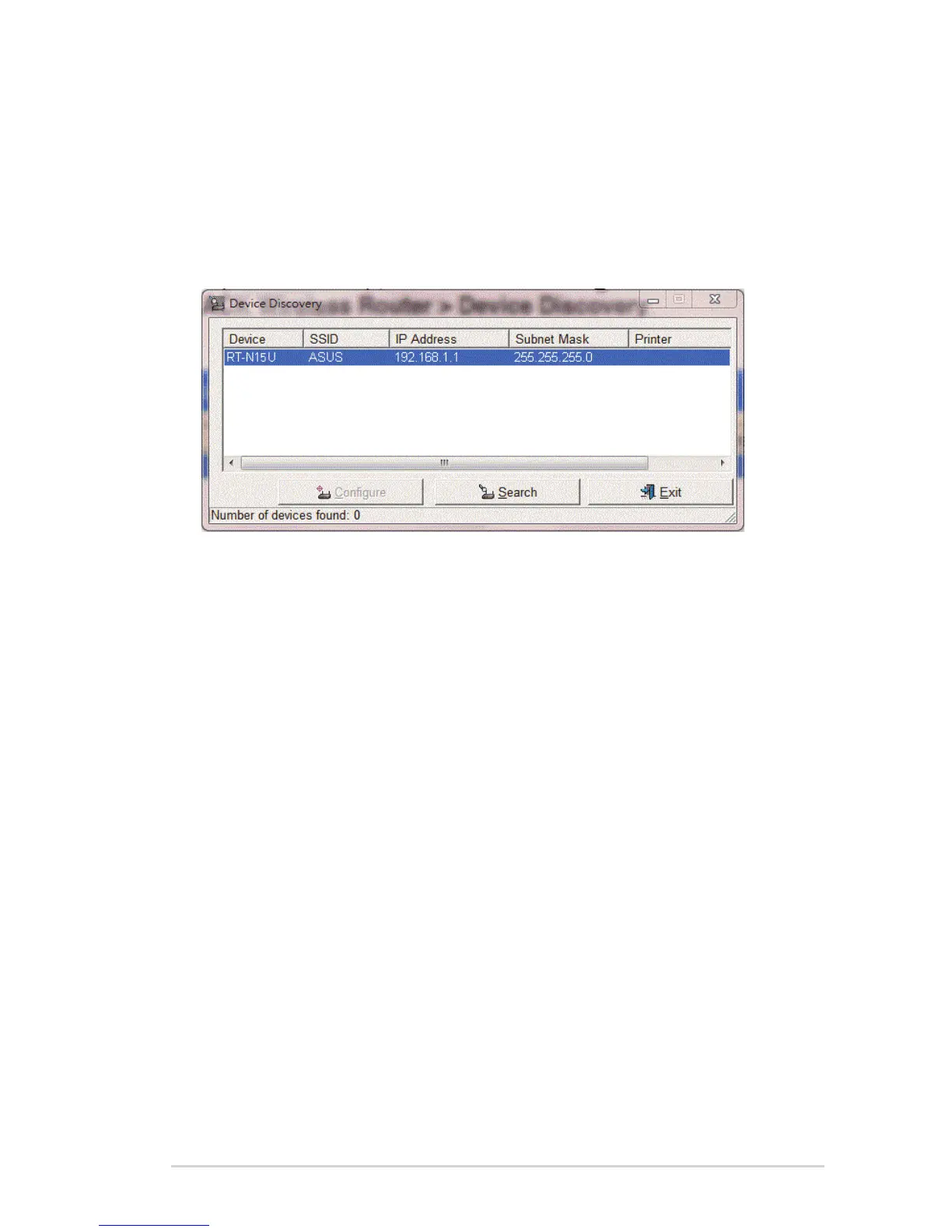
Device Discovery is an ASUS WLAN utility that detects an ASUS wireless router
and enables you to congure the device.
To launch the Device Discovery utility:
From your computer’s desktop, click Start > All Programs > ASUS Utility >
RT-N15U Wireless Router > Device Discovery.
• Click Congure to access the web GUI and congure the wireless router.
• Click Search to search for ASUS wireless routers within range.
• Click Exit to exit the application.



 To Next Page