39
Chapter 5: Installing the utilities RT-N15U
Adding network devices using a USB ash drive
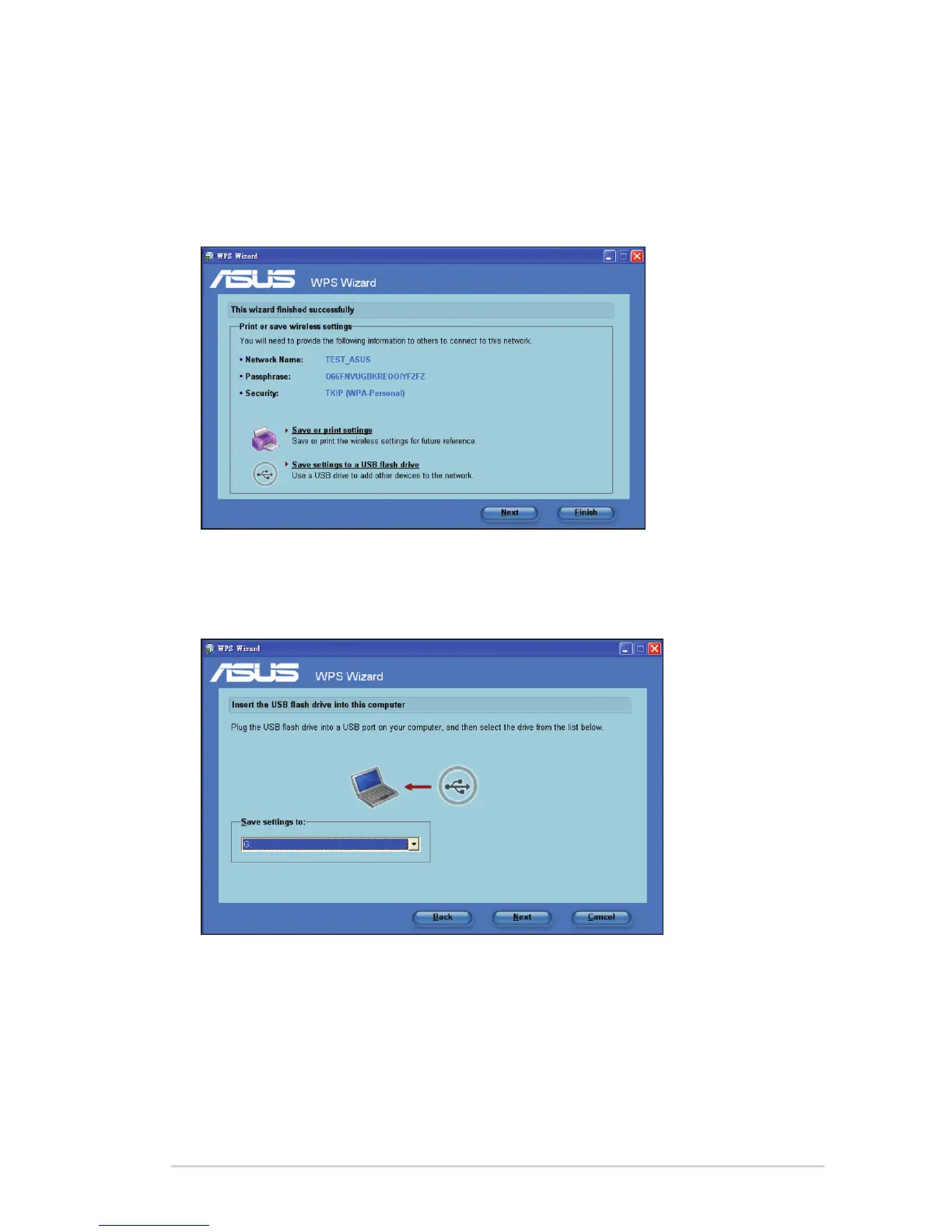
With the WPS utility, you can add devices to your network using a USB ash drive.
To add network devices using a USB ash drive:
1. In the WPS Wizard, click Save settings to a USB ash drive.
2. Insert a USB ash drive into your computer's USB port, then select the drive
from the dropdown list. When done, click
Next
.



 To Next Page