EasyManua.ls Logo

Asus VivoTab Note 8 - Page 23

Asus VivoTab Note 8
76 pages
Print Icon
To Next Page IconTo Next Page
To Previous Page IconTo Previous Page
Loading...
VivoTab Note 8 E-Manual
23
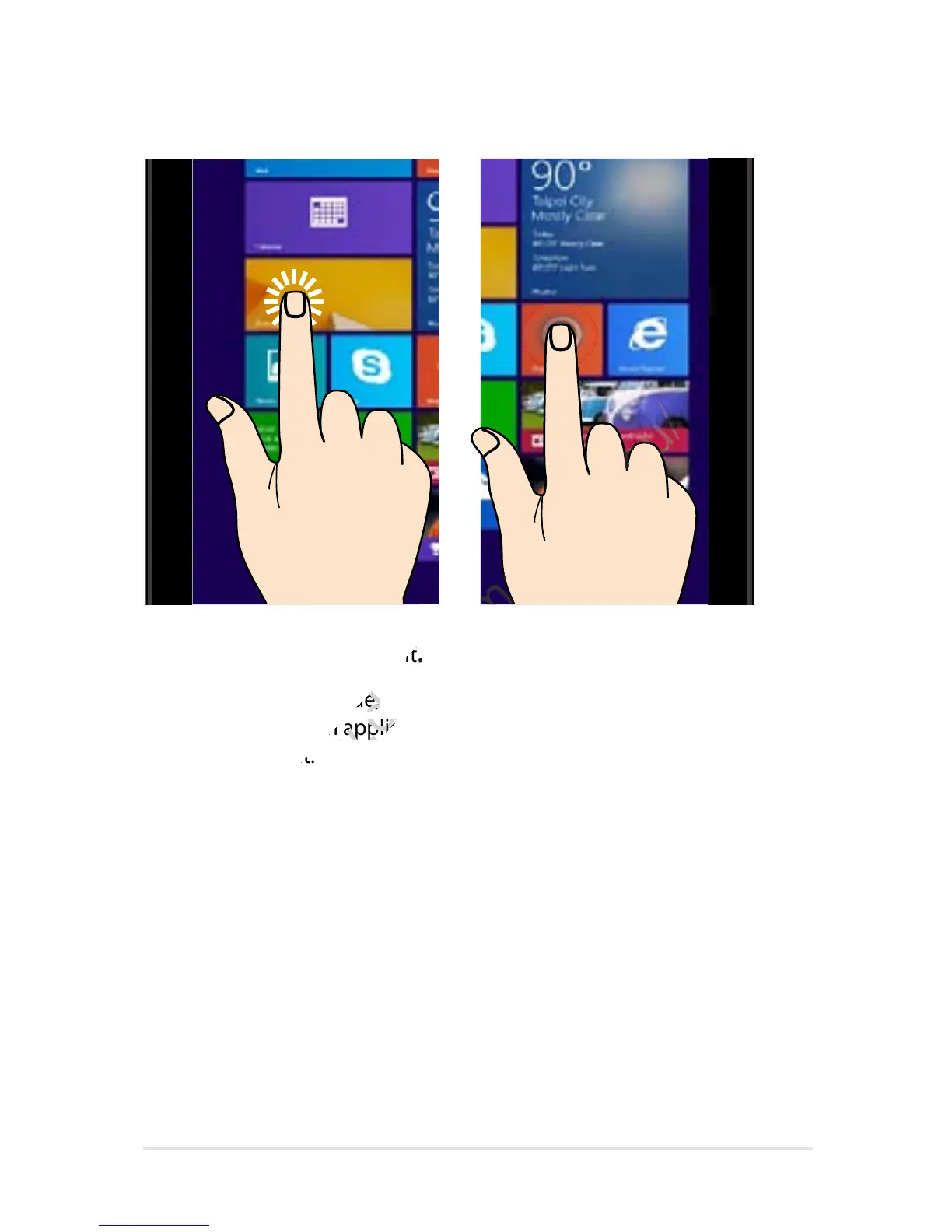
Tap/Double tap Tap and hold
Tap an app to launch it.
On Desktop mode,
double-tap an application
to launch it.
To move an app, tap and
hold the app tile then drag
it to a new location.
To close an app, tap and
hold the top side of a the
running app and drag it
down to the bottom of the
screen.

www.devicemanuals.eu/
Tap an app to launch it
www.devicemanuals.eu/
Tap an app to launch it
.
www.devicemanuals.eu/
.
On Desktop mode,
www.devicemanuals.eu/
On Desktop mode,
double-tap an application
www.devicemanuals.eu/
double-tap an application
to launch it.
www.devicemanuals.eu/
to launch it.
www.devicemanuals.eu/
www.devicemanuals.eu/www.devicemanuals.eu/
www.devicemanuals.eu/
www.devicemanuals.eu/www.devicemanuals.eu/
www.devicemanuals.eu/

Table of Contents

Other manuals for Asus VivoTab Note 8

Related product manuals