VivoTab Note 8 E-Manual
37
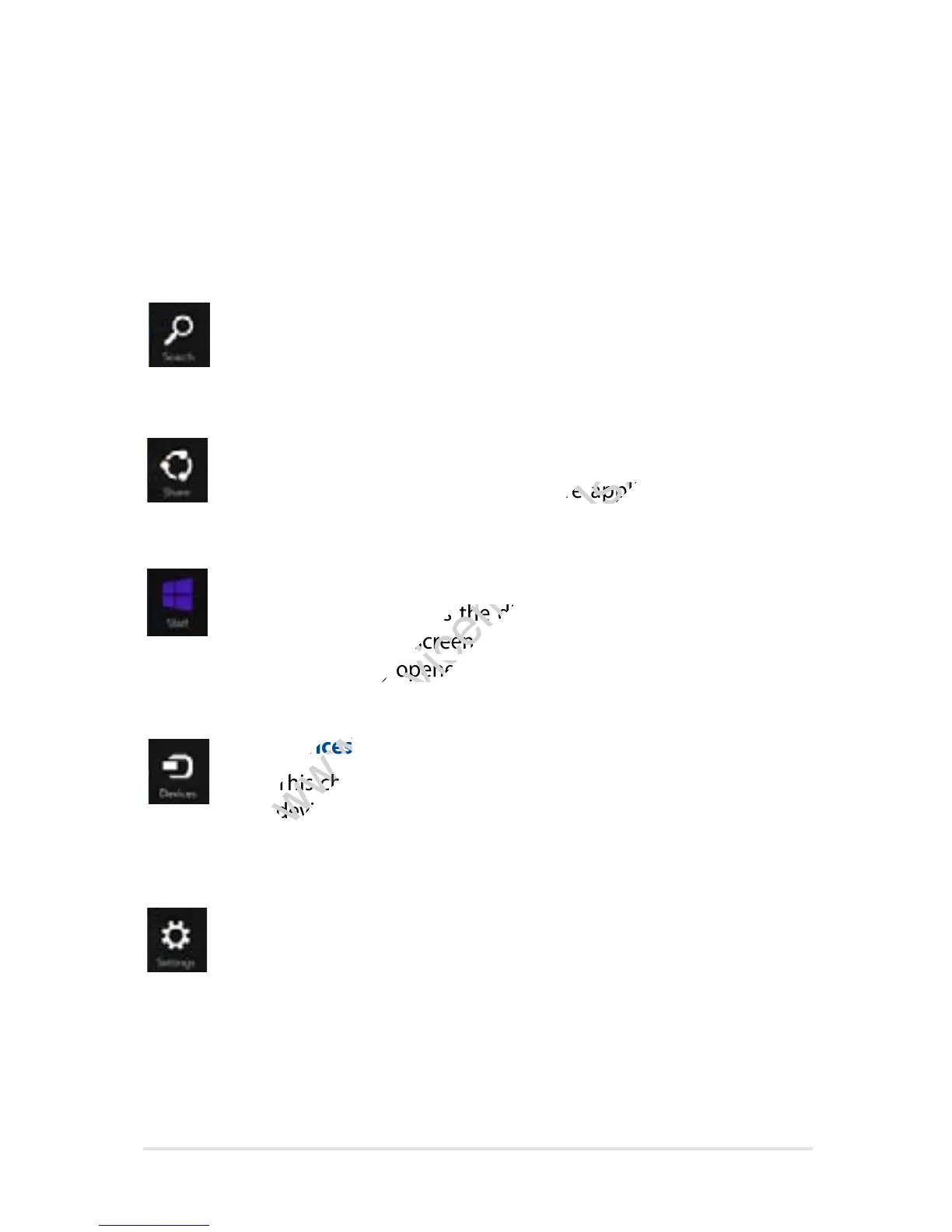
Search
This charm allows you to look for les, applications, or
programs in your VivoTab Note 8.
Share
This charm allows you to share applications via social
networking sites or e-mail.
Start
This charm reverts the display back to the Start screen.
From the Start screen, you can also use this to revert back
to a recently opened app.
Devices
This charm allows you to access and share les with the
devices attached to your VivoTab Note 8 such as an external
display or printer.
Settings
This charm allows you to access the PC settings of your
VivoTab Note 8.
Inside the Charms bar
Launching the Charms bar
Swipe from the right edge of your VivoTab Note 8’s touch screen panel
to launch the Charms bar.
This charm allows you to share applications via social
www.devicemanuals.eu/
This charm allows you to share applications via social
This charm reverts the display back to the Start screen.
www.devicemanuals.eu/
This charm reverts the display back to the Start screen.
From the Start screen, you can also use this to revert back
www.devicemanuals.eu/
From the Start screen, you can also use this to revert back
This charm allows you to access and share les with the
www.devicemanuals.eu/
This charm allows you to access and share les with the
devices attached to your VivoTab Note 8 such as an external
www.devicemanuals.eu/
devices attached to your VivoTab Note 8 such as an external














 To Next Page