EasyManua.ls Logo

Asus VivoTab Note 8 - Safety Precautions; Using Your VivoTab Note 8 Safely

Asus VivoTab Note 8
76 pages
Print Icon
To Next Page IconTo Next Page
To Previous Page IconTo Previous Page
Loading...
8
VivoTab Note 8 E-Manual
Safety precautions
Using your VivoTab Note 8
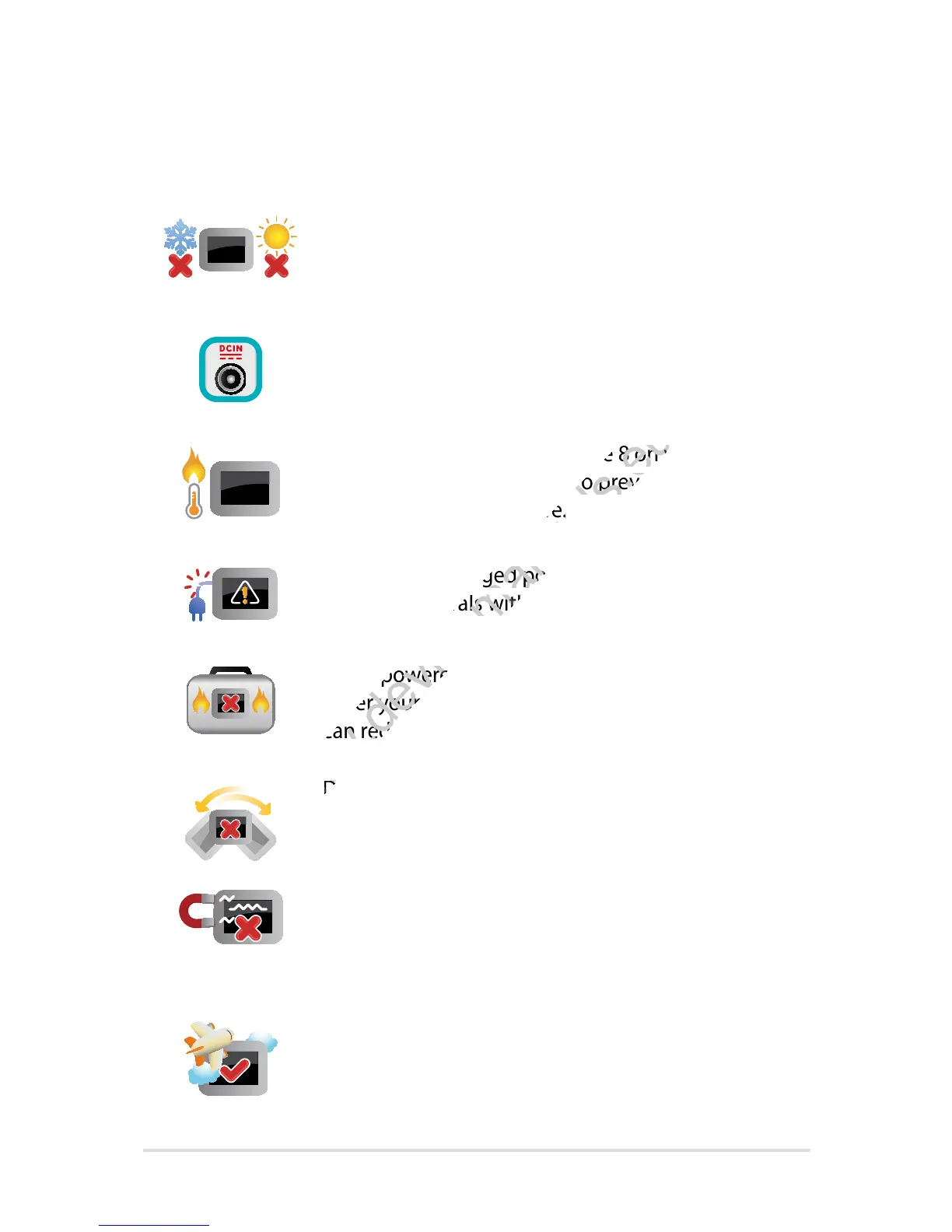
This VivoTab Note 8 should only be used in
environments with ambient temperatures between
0°C (32°F) and 35°C (95°F).
Refer to the rating label on the bottom of your
VivoTab Note 8 and ensure that your power adapter
complies with this rating.
Do not leave your VivoTab Note 8 on your lap or
near any part of your body to prevent discomfort or
injury from heat exposure.
Do not use damaged power cords, accessories, and
other peripherals with your VivoTab Note 8.
While powered on, ensure that you do not carry or
cover your VivoTab Note 8 with any materials that
can reduce air circulation.
Do not place your VivoTab Note 8 on uneven or
unstable work surfaces.
You can send your VivoTab Note 8 through x-ray
machines (used on items placed on conveyor belts),
but do not expose them to magnetic detectors and
wands.
Contact your airline provider to learn about related
inight services that can be used and restrictions
that must be followed when using your VivoTab
Note 8 in-ight.
www.devicemanuals.eu/
Do not leave your VivoTab Note 8 on your lap or
www.devicemanuals.eu/
Do not leave your VivoTab Note 8 on your lap or
near any part of your body to prevent discomfort or
www.devicemanuals.eu/
near any part of your body to prevent discomfort or
injury from heat exposure.
www.devicemanuals.eu/
injury from heat exposure.
Do not use damaged power cords, accessories, and
www.devicemanuals.eu/
Do not use damaged power cords, accessories, and

other peripherals with your VivoTab Note 8.
www.devicemanuals.eu/
other peripherals with your VivoTab Note 8.
While powered on, ensure that you do not carry or
www.devicemanuals.eu/
While powered on, ensure that you do not carry or
cover your VivoTab Note 8 with any materials that
www.devicemanuals.eu/
cover your VivoTab Note 8 with any materials that
can reduce air circulation.
www.devicemanuals.eu/
can reduce air circulation.
www.devicemanuals.eu/
Do not place your VivoTab Note 8 on uneven or
www.devicemanuals.eu/
Do not place your VivoTab Note 8 on uneven or

Table of Contents

Other manuals for Asus VivoTab Note 8

Related product manuals