42
VivoTab Note 8 E-Manual
Airplane mode
The Airplane mode disables wireless communication, allowing you to
use your VivoTab Note 8 safely while in-ight.
Turning Airplane mode on
Turning Airplane mode o
NOTE: Contact your airline provider to learn about related inight services
that can be used and restrictions that must be followed when using your
VivoTab Note 8 in-ight.
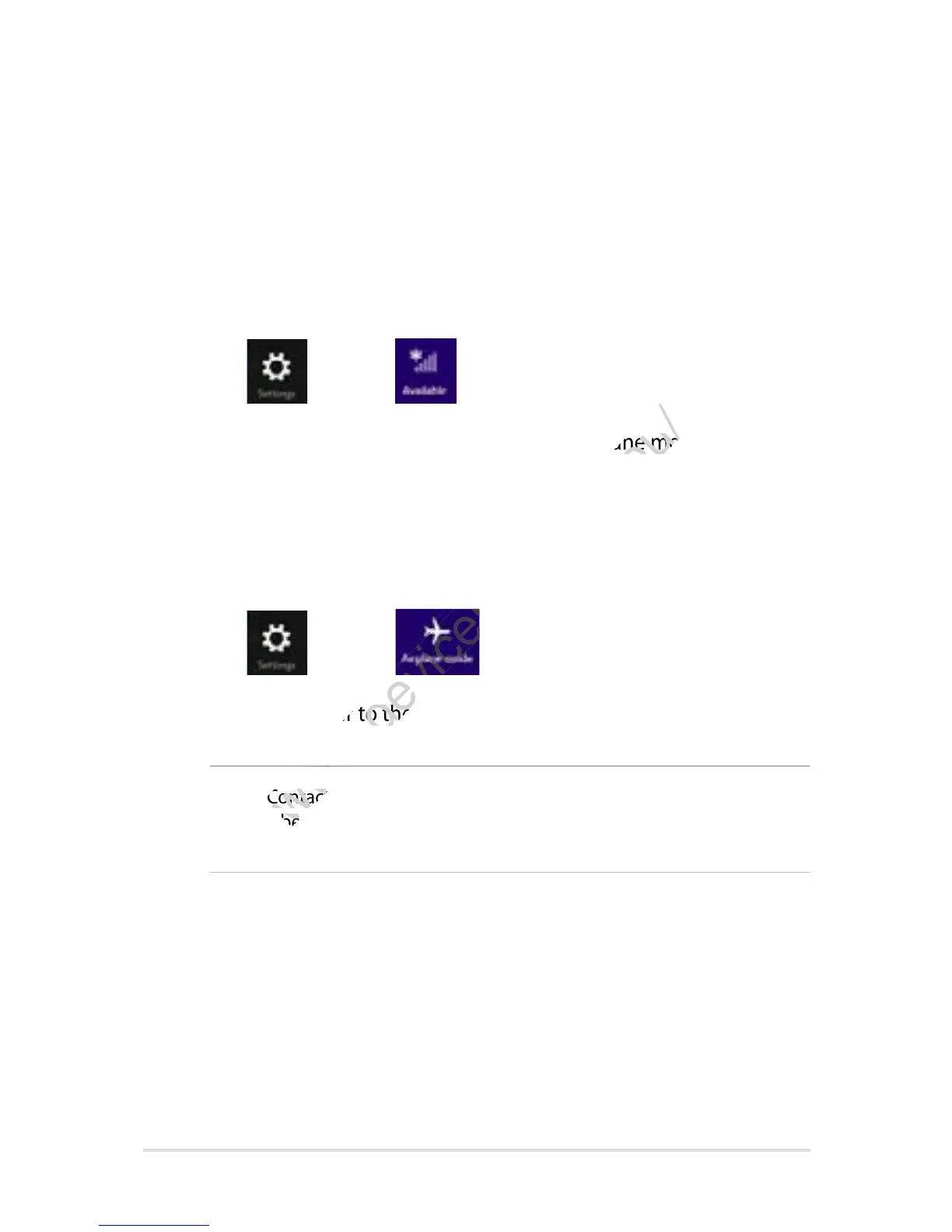
1. Launch the Charms bar.
2. Tap
then tap .
3. Move the slider to the left to turn the Airplane mode o.
1. Launch the Charms bar.
2. Tap
then tap .
3. Move the slider to the right to turn the Airplane mode on.
Contact your airline provider to learn about related inight services
www.devicemanuals.eu/
Contact your airline provider to learn about related inight services
that can be used and restrictions that must be followed when using your
www.devicemanuals.eu/
that can be used and restrictions that must be followed when using your
Move the slider to the left to turn the Airplane mode o.
www.devicemanuals.eu/
Move the slider to the left to turn the Airplane mode o.
Move the slider to the right to turn the Airplane mode on.
www.devicemanuals.eu/
Move the slider to the right to turn the Airplane mode on.














 To Next Page