EasyManua.ls Logo

Asus VivoTab Note 8 - Windows UI Navigation

Asus VivoTab Note 8
76 pages
Print Icon
To Next Page IconTo Next Page
To Previous Page IconTo Previous Page
Loading...
VivoTab Note 8 E-Manual
29
Windows
®
UI
Windows® 8.1 comes with a tile-based user interface (UI) which allows
you to organize and easily access Windows® apps from the Start screen.
It also includes the following features that you can use while working
on your VivoTab Note 8.
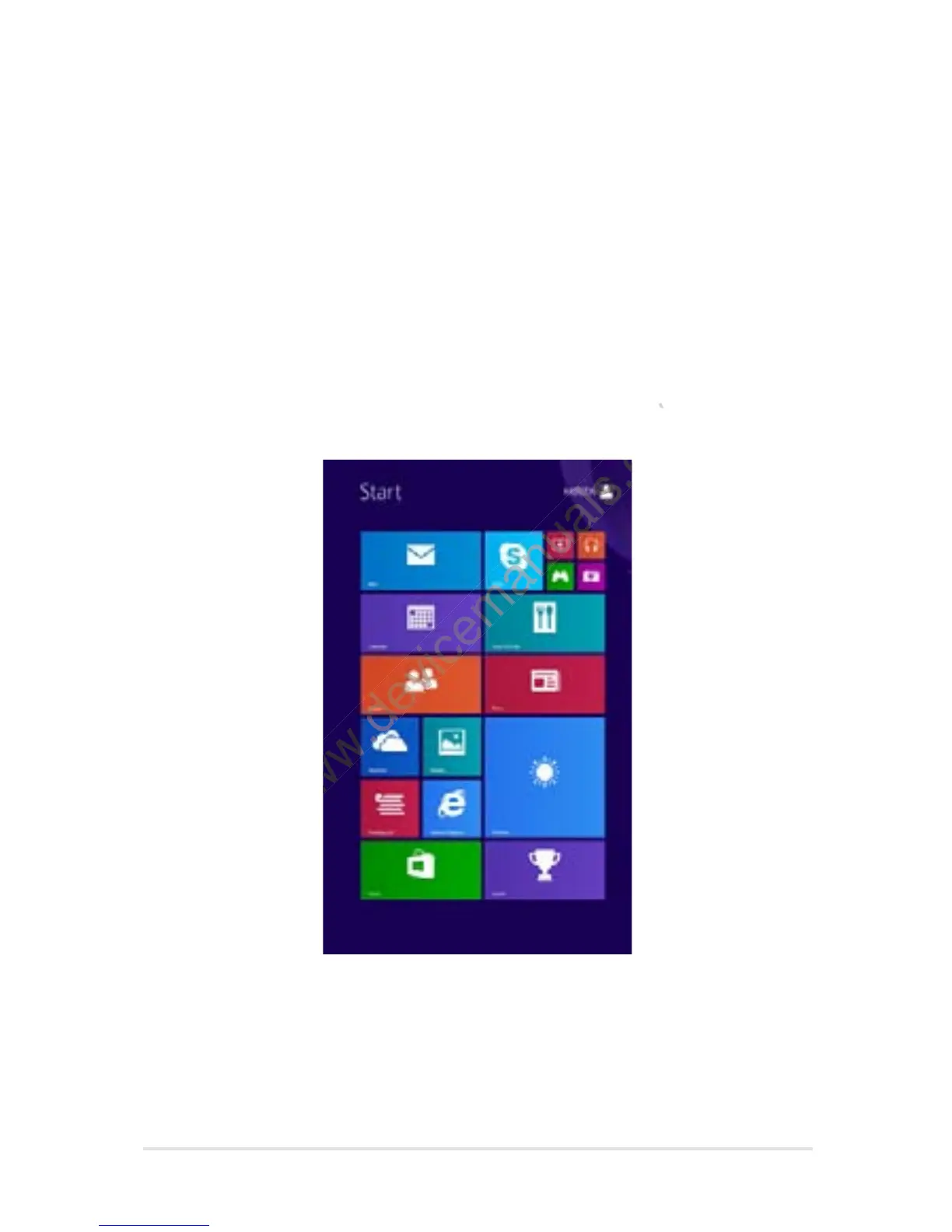
Start screen
The Start screen appears after successfully signing in to your user
account. It helps organize all the applications you need in just one
place.
www.devicemanuals.eu/
account. It helps organize all the applications you need in just one
www.devicemanuals.eu/
account. It helps organize all the applications you need in just one
www.devicemanuals.eu/

Table of Contents

Other manuals for Asus VivoTab Note 8

Related product manuals